
SEO Title: 10 ERO Infrastructure Mistakes Tax Pros Must Avoid
Slug: ero-infrastructure-mistakes-tax-professionals
Excerpt: Discover critical ERO infrastructure mistakes that compromise security, compliance, and efficiency in your tax practice. Learn what to fix before IRS audits find them.
Tags: ERO Operations, Tax Business Infrastructure, IRS Compliance, Tax Professional Technology, Electronic Filing Security, ERO Best Practices
Infrastructure failures cause more ERO compliance violations than any other operational issue. The IRS Electronic Filing Identification Number (EFIN) program requires specific technical and security standards. Most EROs meet baseline requirements during application but fail to maintain them throughout the tax season.
This article identifies ten infrastructure mistakes that create compliance risk, operational inefficiency, and potential EFIN suspension.
1. Inadequate Network Segmentation
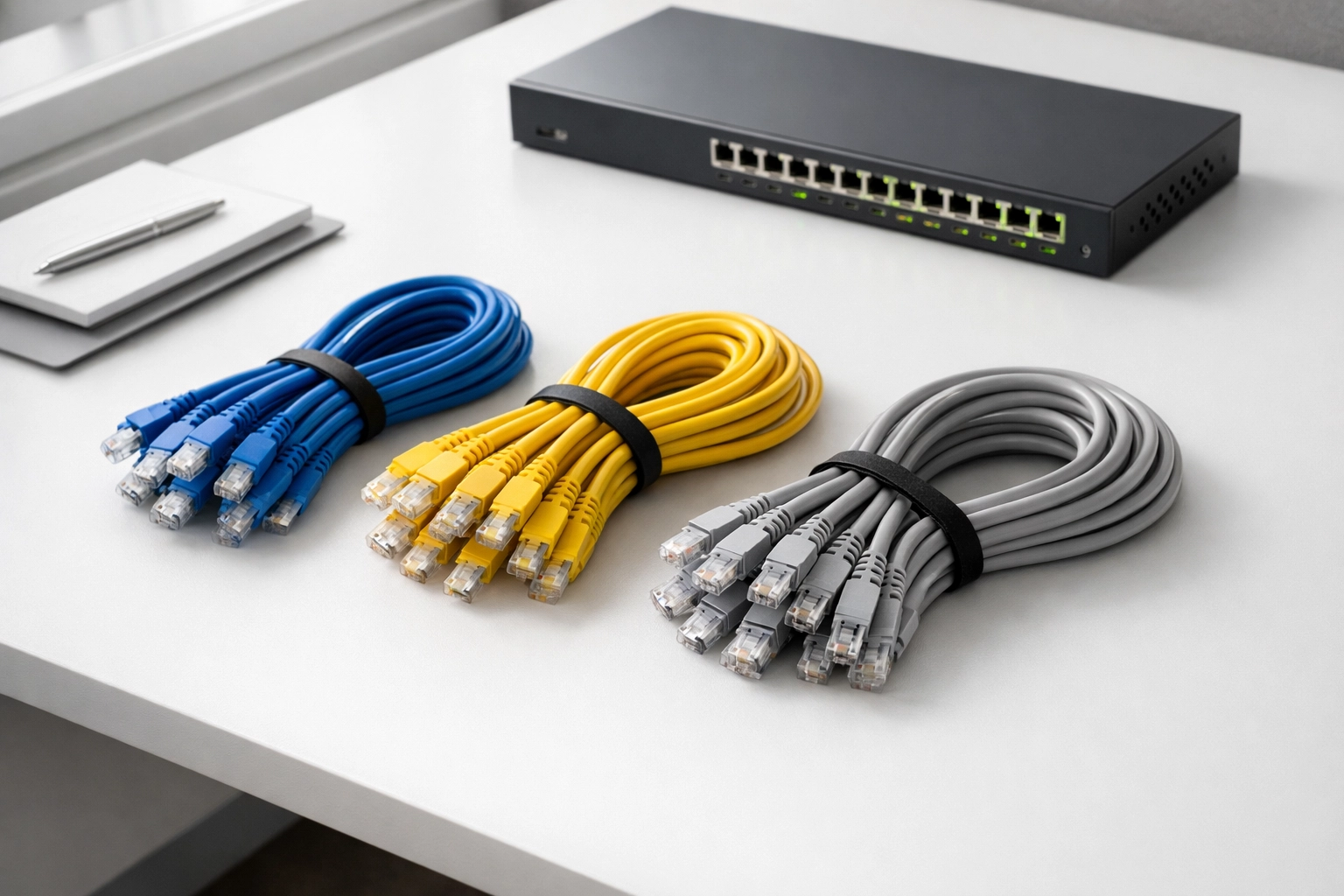
Most tax offices operate on flat networks where all devices access the same resources. This configuration violates IRS Publication 4557 security recommendations.
Proper network segmentation isolates tax preparation workstations from general office computers, guest WiFi, and personal devices. A compromised device on a flat network provides access to all client data and tax systems.
Implement VLANs or separate physical networks for tax operations. Guest networks must never connect to systems containing tax data. Texas EROs handling high-volume commercial clients face particular risk due to increased network complexity and staff size.
2. Missing Data Loss Prevention Systems
EROs store Personally Identifiable Information (PII) and Federal Tax Information (FTI) subject to IRS safeguard requirements under IRC 6713. Most offices lack systems to detect when this data moves inappropriately.
Data Loss Prevention (DLP) tools monitor data transfers via email, USB drives, cloud storage, and printing. These systems flag or block unauthorized data movement based on content scanning and pattern recognition.
Without DLP, staff can accidentally or intentionally exfiltrate client data without detection. The IRS considers this a serious security failure during compliance reviews.
3. Single Point of Failure for E-File Systems
Tax offices that rely on one computer for all electronic filing create unnecessary risk. Hardware failure during peak filing periods stops all submissions.
Equipment fails unpredictably. The IRS does not extend filing deadlines for technology problems. Clients expect timely filing regardless of your infrastructure issues.
Maintain at least two workstations configured for e-filing with current software, updated EFIN credentials, and tested transmission capability. Store backup equipment in separate physical locations to protect against fire, theft, or natural disaster.
4. Insufficient Backup Frequency and Testing
The IRS requires EROs to maintain backups of all electronically filed returns. Most offices perform backups but fail in two critical areas: frequency and restoration testing.
Daily backups miss returns prepared between backup cycles. Real-time or continuous backup solutions eliminate data loss gaps. Cloud-based backup systems provide automatic continuous protection.
Testing matters more than backup existence. Many EROs discover backup failures only when attempting restoration after data loss. Monthly restoration tests verify backup integrity and staff capability to execute recovery procedures.

5. Weak Access Control and Authentication
Password-only authentication for tax software and network access provides insufficient security for FTI. The IRS recommends multi-factor authentication (MFA) for all systems containing tax data.
MFA requires two verification methods: something you know (password), something you have (phone or token), or something you are (biometric). This prevents unauthorized access even when passwords are compromised.
Implement role-based access control that limits system access to job requirements. Preparers should not access administrative functions. Administrative staff should not access tax preparation systems. Texas EROs must pay particular attention to access controls when operating multiple office locations.
6. Outdated Software and Operating Systems
Running unsupported software versions creates security vulnerabilities and compliance violations. The IRS requires current security patches and updates for all systems processing FTI.
Tax software vendors release updates throughout filing season for regulatory changes, bug fixes, and security patches. Delaying updates exposes your practice to known vulnerabilities and may produce incorrect returns.
Operating system updates follow the same principle. Unsupported Windows versions lack security patches for newly discovered threats. The cost of upgrading systems is substantially less than data breach remediation and IRS penalties.
7. Inadequate Physical Security Measures
Digital security receives attention while physical security gets overlooked. Unlocked server rooms, unsecured backup media, and uncontrolled office access violate IRS safeguard requirements.
Lock tax preparation areas after hours. Restrict access to server rooms and backup storage. Install security cameras in areas containing client files and computer equipment. Implement sign-in procedures for visitors.
Paper returns and supporting documents require the same protection as electronic data. Secure document storage prevents unauthorized access and helps demonstrate IRS compliance during reviews.

8. No Business Continuity Plan
Natural disasters, cyberattacks, and equipment failures occur without warning. EROs without documented business continuity plans cannot restore operations quickly.
Business continuity plans document system recovery procedures, backup restoration processes, alternate work locations, vendor contact information, and communication protocols. Staff must know their roles during disruptions.
Test continuity plans annually. Paper documentation of recovery procedures prevents situations where the only copy of recovery instructions exists on failed systems. Texas EROs should incorporate severe weather contingencies specific to regional risks including hurricanes, flooding, and winter storms.
9. Ignoring Printer and Copier Security
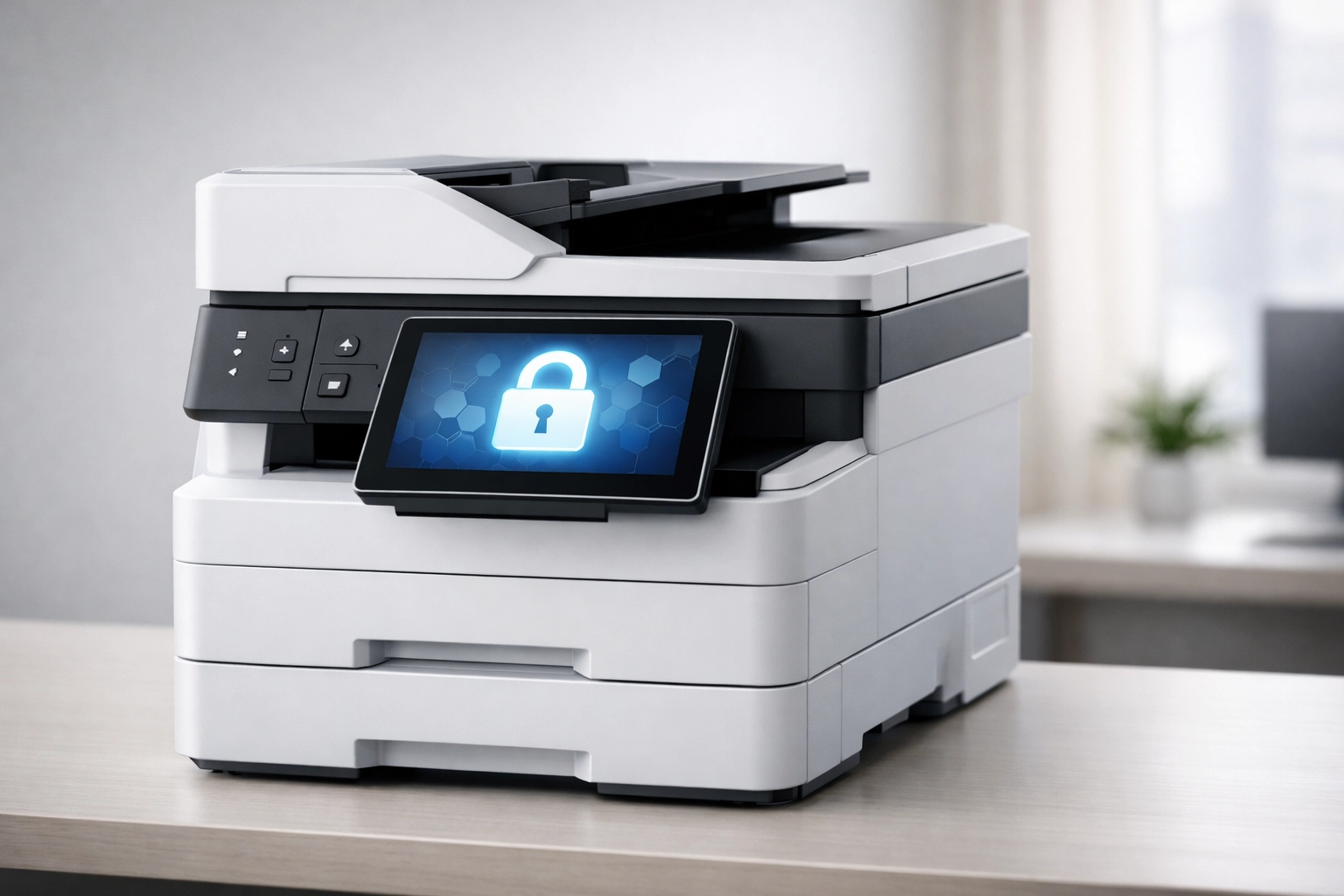
Network-connected printers and copiers store copies of printed documents on internal hard drives. Few EROs secure these devices or wipe drives before disposal or service.
Modern multifunction devices operate as computers with network connectivity, storage, and potential vulnerabilities. Default passwords, unencrypted storage, and open network ports create security gaps.
Configure printers with authentication requirements, encrypted storage, and automatic data deletion after printing. Ensure service contracts include data destruction procedures. Remove hard drives before disposing of equipment.
10. Undefined Offboarding Procedures for Technology Access
Staff departures create security risks when technology access termination lacks standardization. Former employees with active credentials can access systems containing current client data.
Document offboarding checklists covering network access, tax software accounts, cloud services, physical keys, mobile device management, email accounts, and remote access tools. Execute procedures immediately upon separation.
Review access logs periodically to identify dormant accounts requiring deactivation. Seasonal staff require particular attention. Credentials must be disabled at season end, not left active until the following year.
Implementation Priority
Address these infrastructure mistakes systematically rather than simultaneously. Start with authentication and access control (Mistakes 5 and 10), then implement backup improvements (Mistake 4), followed by network segmentation (Mistake 1).
Document all infrastructure changes and security procedures. The IRS expects written security plans during EFIN compliance reviews. Evidence of systematic security improvement demonstrates due diligence even if implementation remains incomplete.
Infrastructure mistakes compound over time. Systems that functioned adequately at low volume create significant risk as practices grow. Annual infrastructure reviews identify problems before they cause compliance violations or operational failures.
The IRS continues increasing scrutiny of ERO security practices. Infrastructure that meets minimum requirements today may fall short of tomorrow's standards. Proactive improvement protects your EFIN, your clients, and your practice.