
Running a tax practice no longer requires a physical office. In 2026, virtual tax preparation is standard practice. Clients expect remote options. Tax professionals need the right tools to deliver.
This guide covers the essential tools required to operate a fully virtual tax practice. Each tool category addresses a specific operational need. Implementation is straightforward.
Why Virtual Tax Preparation Matters Now
Client expectations have shifted. Most tax clients prefer uploading documents from home over driving to an office. They want video calls instead of in-person meetings. They expect digital signatures instead of printing and scanning.
Tax professionals benefit equally. Virtual operations reduce overhead costs. Geographic limitations disappear. Work-life flexibility increases. Client capacity expands without adding physical space.
The technology exists. The question is which tools to implement.
Secure Client Portals
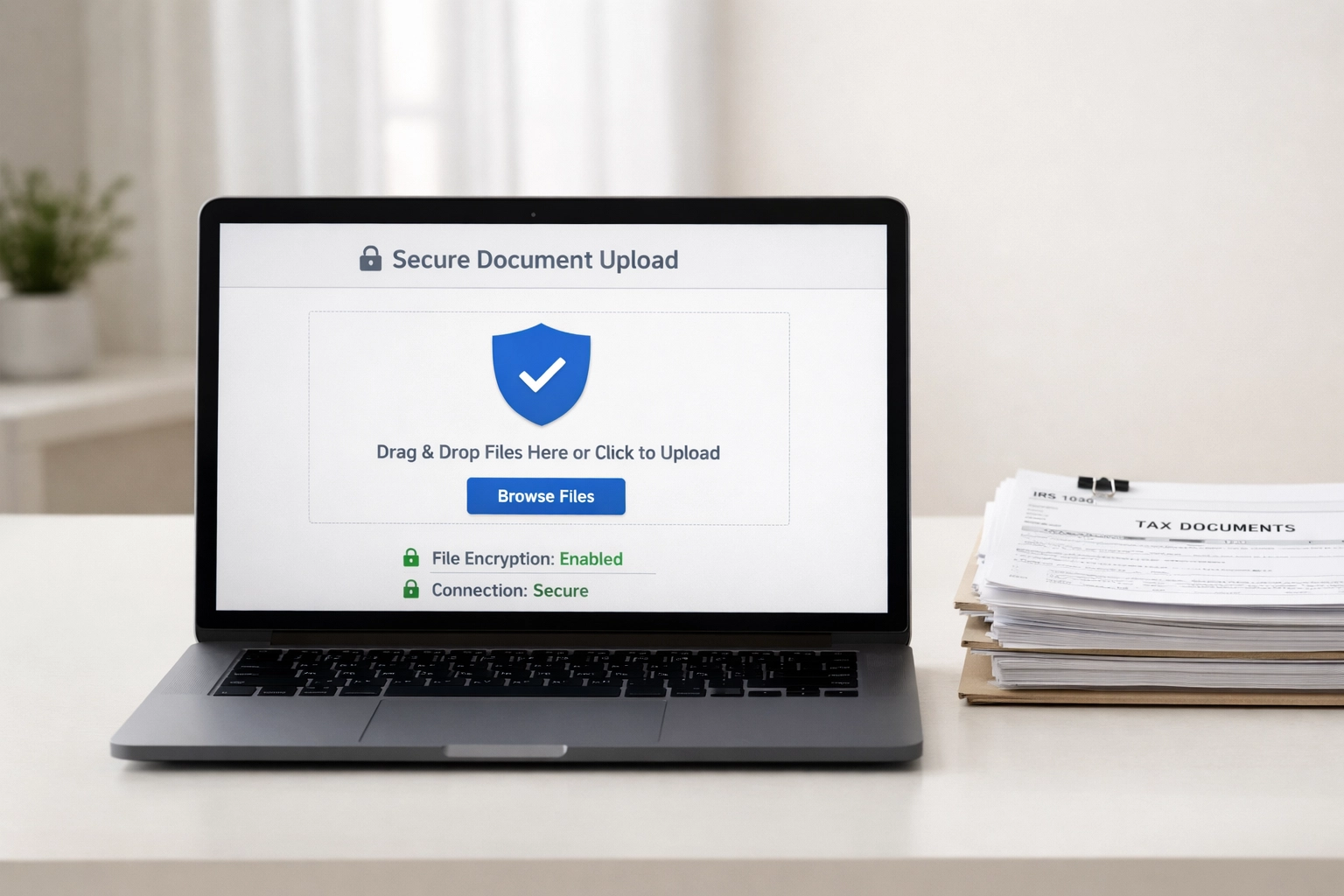
A secure client portal is the foundation of virtual tax preparation. It replaces the folder of documents clients would bring to your office.
Core Functions
- Document upload and storage
- Two-way file sharing
- Encrypted data transmission
- Access controls and permissions
- Audit trails for compliance
Selection Criteria
Choose a portal with bank-level encryption (256-bit SSL minimum). Verify SOC 2 compliance. Confirm the system meets IRS Publication 4557 requirements for safeguarding taxpayer data.
Integration matters. The portal should connect with your tax preparation software to reduce manual data entry. Look for automatic document organization features that sort W-2s, 1099s, and other forms into appropriate categories.
Implementation Steps
- Select a portal provider
- Configure branding with your firm logo
- Create client invitation templates
- Establish folder structures for each return type
- Document the client upload process
- Test with internal staff before client rollout
Most clients adapt quickly. Provide a one-page instruction sheet. Offer a brief phone walkthrough for clients unfamiliar with the technology.
Video Conferencing Tools
Video conferencing replaces in-person consultations. It maintains the personal connection clients value while eliminating travel time for both parties.
Required Features
- Screen sharing capability
- Recording options (with client consent)
- Calendar integration
- Waiting room functionality
- Virtual backgrounds for professionalism
Platform Options
Zoom, Microsoft Teams, and Google Meet handle most requirements. All three offer free tiers sufficient for basic client meetings. Paid versions add longer meeting times, cloud recording storage, and administrative controls.
For tax-specific needs, consider platforms with built-in document review features. Some allow real-time annotation of shared documents, useful when reviewing draft returns with clients.

Best Practices
Schedule video calls during your regular business hours. Send calendar invitations with meeting links 24 hours in advance. Test audio and video before each session. Keep meetings focused: most client consultations require 15-30 minutes.
Screen sharing is essential for return reviews. Share your screen showing the draft return. Walk through each section. Answer questions in real time. This replicates the in-office review experience effectively.
Digital Signature Solutions
Paper signatures create friction in virtual workflows. Digital signatures eliminate printing, signing, scanning, and mailing. They're legally binding under the ESIGN Act and accepted by the IRS.
Common Applications
- Engagement letters
- Form 8879 (IRS e-file Signature Authorization)
- State e-file authorization forms
- Privacy policy acknowledgments
- Fee agreements
Tool Requirements
Select a solution that provides:
- Legal compliance with ESIGN and UETA
- Identity verification options
- Mobile signing capability
- Automatic reminders for unsigned documents
- Integration with your document management system
DocuSign, Adobe Sign, and RightSignature are established options. Some tax software platforms include built-in e-signature functionality, reducing the need for separate subscriptions.
Workflow Integration
Create signature templates for recurring documents. Pre-populate client information where possible. Set automatic reminder sequences: one reminder at 24 hours, another at 72 hours.
Track signature status in your practice management system. Follow up personally when automated reminders fail to generate action.
Cloud-Based Tax Software
Cloud-based tax software enables return preparation from any location. No server maintenance. No software installation. Automatic updates.

Essential Capabilities
- Browser-based access
- Multi-user simultaneous access
- Automatic data backup
- Real-time calculation updates
- E-file integration
- Prior year data import
Platform Categories
Entry-level solutions work for solo practitioners with straightforward returns. They offer core 1040 functionality with basic state support.
Mid-tier platforms add business return capability, multi-preparer support, and enhanced reporting. Suitable for small firms.
Enterprise solutions include workflow management, firm-wide dashboards, and API access for custom integrations. Designed for larger operations.
TIG Tax Pros offers Essential Tax Software for practitioners building their virtual practice and Unlimited Tax Software for those handling higher volumes. Both operate entirely in the cloud.
Data Security Considerations
Verify your software provider's security certifications. Require multi-factor authentication for all user accounts. Establish password policies. Review user access permissions quarterly.
Practice Management Software
Tax preparation is one component of running a practice. Managing clients, tracking deadlines, and organizing workflows requires dedicated tools.
Core Modules
- Client relationship management (CRM)
- Task and deadline tracking
- Time tracking
- Billing and invoicing
- Document management
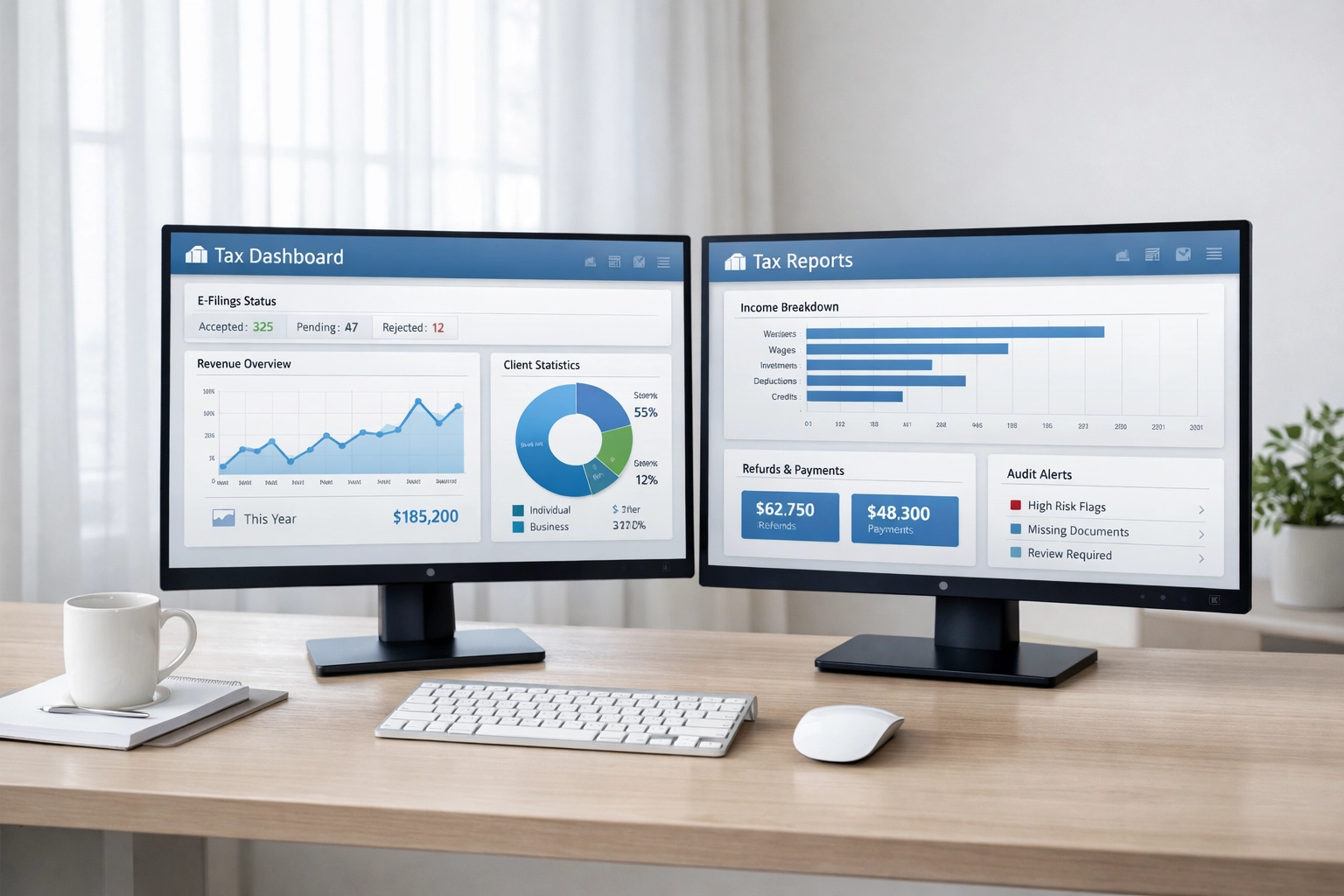
- Reporting and analytics
Integration Priority
Practice management software should integrate with:
- Your tax preparation platform
- Email systems
- Calendar applications
- Accounting software
- Client portals
Disconnected systems create data entry duplication and increase error risk. Prioritize platforms with pre-built integrations or open APIs.
Workflow Automation
Automate repetitive tasks. Send automatic appointment reminders. Generate engagement letters when new clients are added. Create task lists when returns are assigned. Trigger invoices when returns are e-filed.
Each automation saves minutes per client. Across hundreds of clients, time savings become substantial.
Communication Tools
Beyond video conferencing, virtual practices need additional communication channels.
Secure Messaging
Standard email lacks encryption. For sensitive communications, use secure messaging through your client portal or a dedicated secure email service.
Text Messaging
Many clients prefer text communication for quick questions and appointment reminders. Use a business texting platform that maintains separation from personal phone numbers and provides message archiving.
Phone Systems
Virtual phone systems (VoIP) eliminate the need for physical phone lines. Features include:
- Call routing and forwarding
- Voicemail transcription
- Business hours settings
- Call recording
- Integration with CRM systems
Hardware Requirements
Virtual tax preparation requires minimal hardware investment.
Essential Equipment
- Computer with current operating system
- Reliable internet connection (50+ Mbps recommended)
- Webcam (built-in or external)
- Headset with microphone
- Second monitor (improves productivity significantly)
Optional Additions
- Document scanner for paper documents received
- External backup drive
- Uninterruptible power supply (UPS)
How TIG Tax Pros Supports Remote Setups
TIG Tax Pros provides infrastructure for virtual tax practices. The cloud-based software solutions include the core tax preparation functionality required for remote operations.
Service bureau support handles the technical requirements that complicate virtual setups. EFIN management, bank product integration, and software troubleshooting are managed centrally. This allows practitioners to focus on client service rather than technology administration.
Training resources address the specific challenges of virtual practice management. Support is available through multiple channels to resolve issues without requiring in-person assistance.
For those considering a virtual practice model, explore the options at TIG Tax Pros.
Implementation Sequence
- Select and configure cloud-based tax software
- Implement secure client portal
- Establish digital signature workflow
- Set up video conferencing
- Deploy practice management system
- Configure communication tools
- Document all processes
- Train staff
- Pilot with select clients
- Full rollout