
SEO Title: ERO Service Bureau Tools: 5 Must-Have Systems for 2026
Slug: ero-service-bureau-tools-efficiency-2026
Excerpt: Service bureau EROs need integrated tools to scale operations. These five systems eliminate bottlenecks and increase filing capacity without adding headcount.
Tags: ERO Operations, Service Bureau, Tax Technology, Practice Management, E-Filing Infrastructure
Service bureau operations require different infrastructure than traditional tax prep. High-volume EROs process returns from multiple sources: independent preparers, franchisees, remote contractors. Each connection point creates workflow friction.
The right tools eliminate manual handoffs. Wrong tools compound them.
1. Centralized Return Aggregation Platform
Return intake varies by preparer. Some use desktop software. Others operate through web portals. Service bureaus receive returns in different formats, timelines, and completion states.
Manual aggregation fails at scale. Returns arrive via email attachments, FTP uploads, third-party API connections. Each requires separate handling protocols.

Aggregation platforms consolidate all intake methods into single queues. Returns enter through any channel but flow to standardized review workflows. This removes format conversion steps and routing decisions from staff responsibilities.
Texas-specific consideration: With 39 million residents and no state income tax, Texas EROs handle higher volumes of federal-only returns. Aggregation systems must process federal returns faster than multi-state platforms designed for smaller state return volumes.
Key features:
- Multi-format ingestion (XML, PDF, native software files)
- Automatic routing based on preparer ID or return type
- Real-time status tracking for submitting preparers
- Batch processing for high-volume periods
2. Automated Quality Control Engine
Manual review creates filing delays. Service bureaus cannot physically check every line of every return during peak season. Yet submission errors damage ERO reputation and trigger IRS scrutiny.
Quality control engines run algorithmic checks before returns enter transmission queues. Systems flag common errors: missing signatures, calculation mismatches, incomplete schedules, formatting problems.
Automation handles repetitive verification. Staff focus on genuine anomalies.
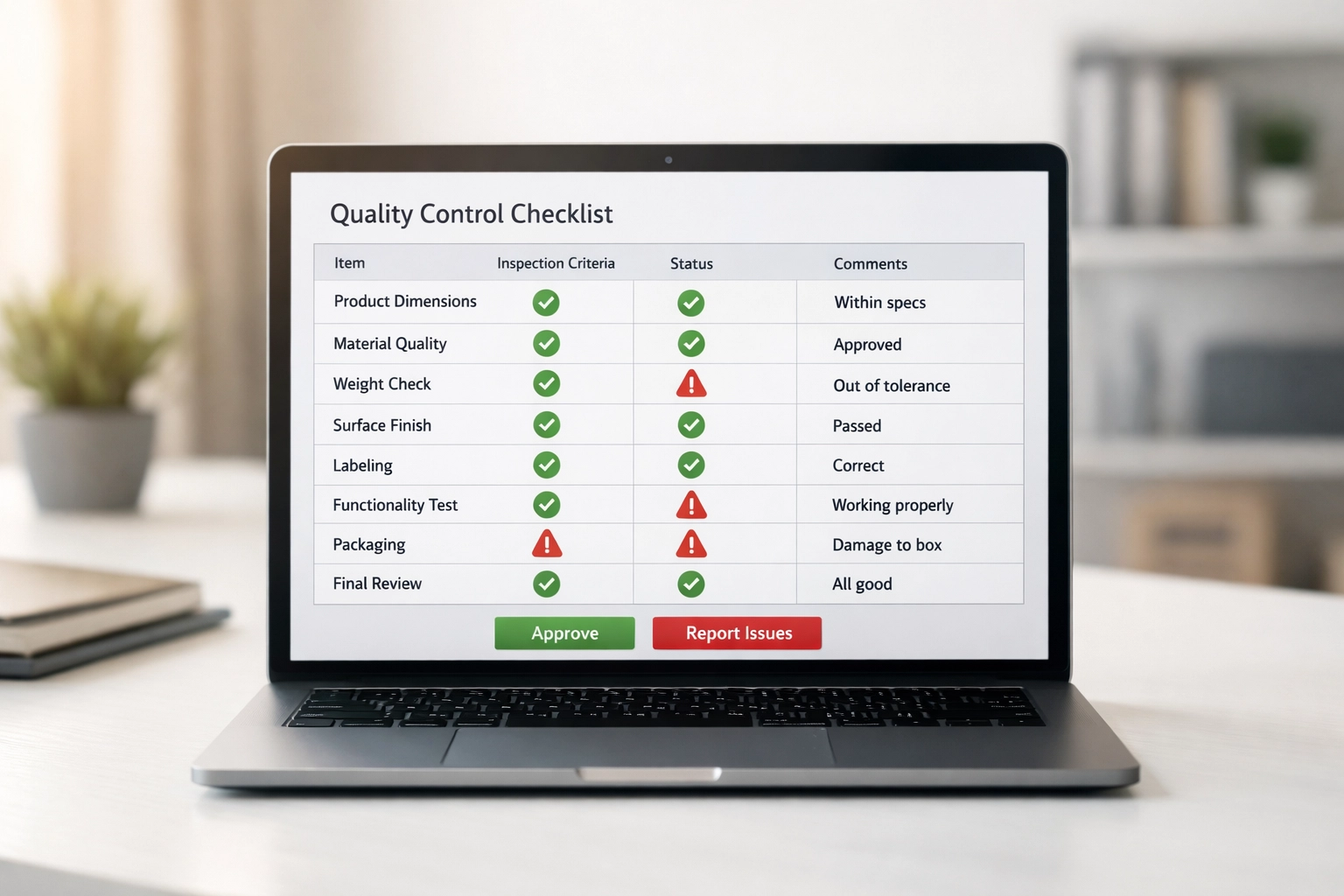
Configure rules based on historical rejection patterns. If W-2 wage mismatches caused 40% of last season's rejections, prioritize those checks. Systems learn from prior filing seasons.
Critical functionality:
- Configurable business rule sets
- IRS schema validation before transmission
- Automated preparer notifications for corrections
- Exception-only staff workflows
Service bureaus in competitive markets cannot afford multi-day review cycles. Automated QC reduces review time from hours to minutes per return.
3. Multi-Channel Client Communication Hub
Service bureau clients expect real-time status updates. Preparers submit returns then immediately ask about transmission status, acknowledgments, rejection reasons.
Phone and email responses consume staff hours. Every status inquiry creates interruption overhead.
Communication hubs eliminate most status inquiries through automated notifications. Returns move through lifecycle stages: received, queued, transmitted, acknowledged, accepted. Each transition triggers preparer notifications via their preferred channel.
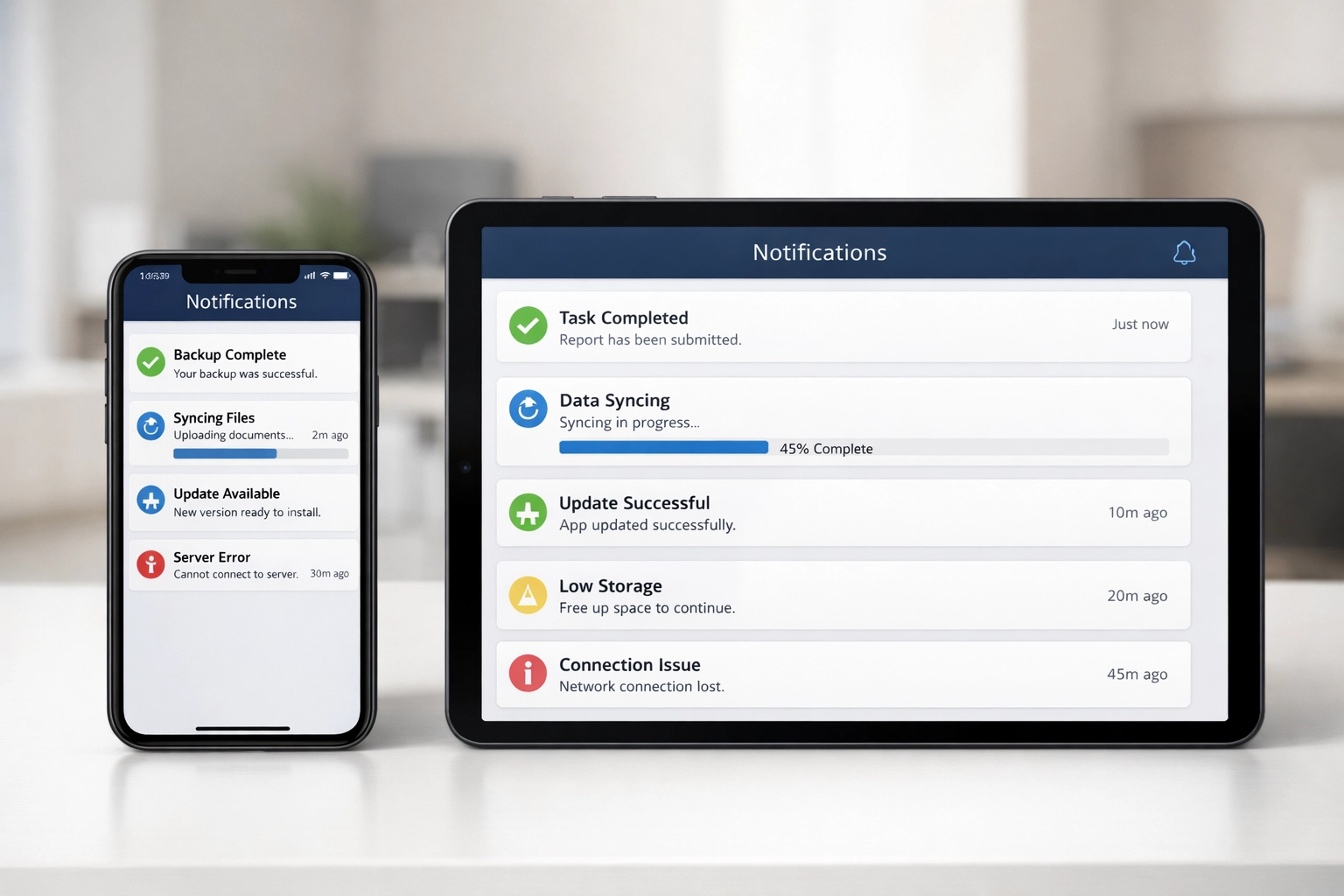
Modern systems support:
- SMS status updates
- Email notifications with return-specific details
- Portal dashboards with batch status views
- Webhook integrations for preparer software systems
Preparers check portals instead of calling. Staff handle exceptions only.
Integration requirement: Communication hubs must connect with transmission systems through real-time APIs, not batch updates. Twelve-hour notification delays defeat the purpose.
4. Bank Product Reconciliation System
Service bureaus offering refund transfers and advances manage complex financial flows. Funds move between IRS disbursements, bank accounts, fee deductions, preparer payments.
Manual reconciliation introduces error risk and processing delays. Returns transmit in minutes. Financial settlements require days of spreadsheet matching.
Reconciliation systems track every dollar automatically:
- IRS refund amounts by return
- Bank product fees and disbursements
- Preparer commission calculations
- Client fund distributions

Systems match IRS 8888 forms against actual deposits. Discrepancies flag immediately rather than during month-end accounting cycles.
Texas bank product note: Texas leads the nation in refund anticipation loan usage. EROs processing Texas returns need robust reconciliation for higher bank product volumes than national averages.
Essential capabilities:
- Real-time IRS refund tracking via SETI messages
- Automated fee calculation and deduction
- Multi-preparer commission splits
- Audit trail documentation for all transactions
Financial accuracy protects both ERO liability and preparer relationships.
5. Comprehensive Compliance Monitoring Dashboard
Service bureaus must track compliance across multiple dimensions:
- PTIN verification for all connected preparers
- EFIN usage patterns and anomalies
- Filing velocity by preparer
- Rejection rates and patterns
- IRS communication log
Manual monitoring fails. Compliance issues surface after IRS inquiries, not before.
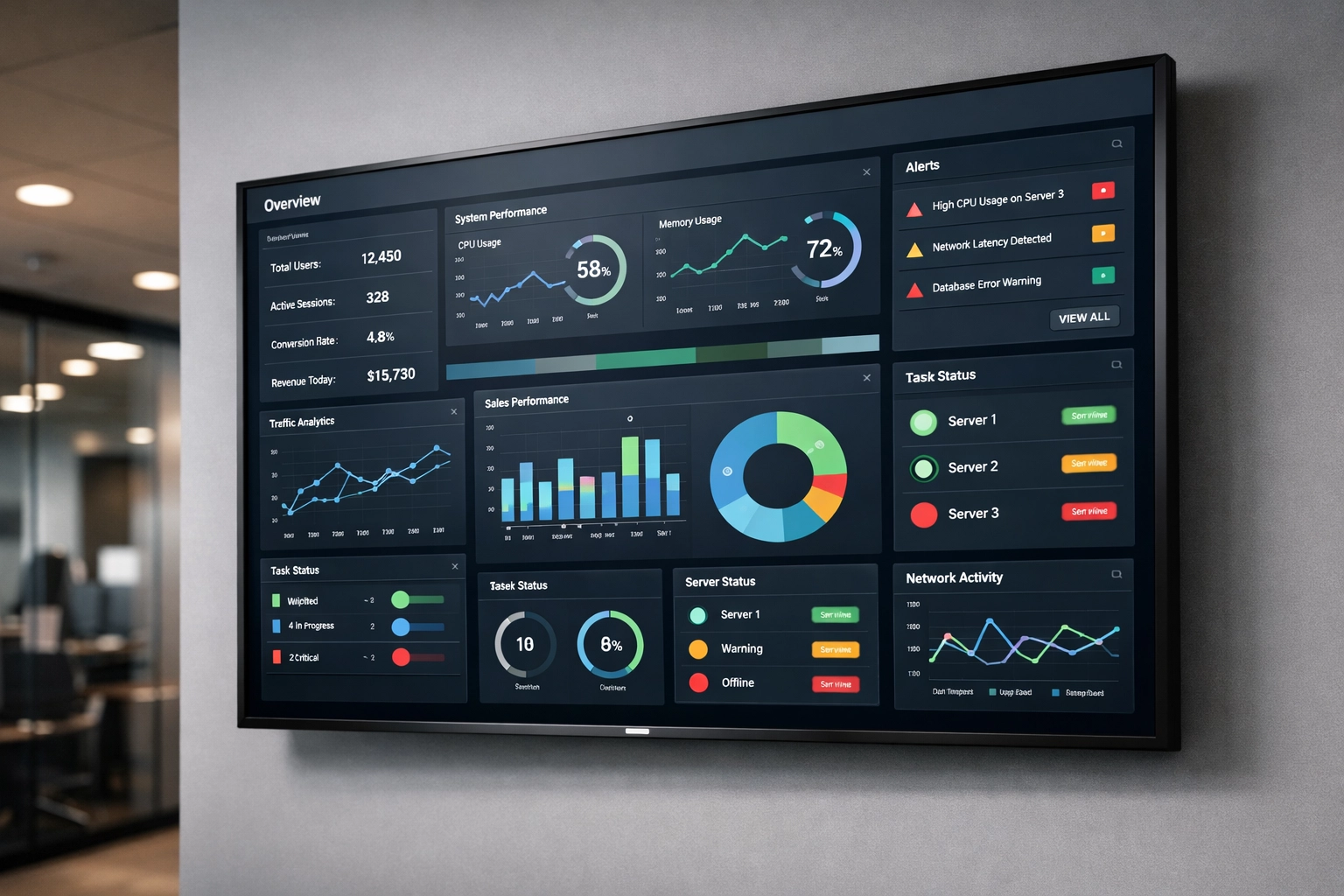
Monitoring dashboards aggregate compliance data into single views. Systems alert when preparers show concerning patterns: sudden volume spikes, unusual rejection rates, expired credentials.
Dashboard requirements:
- Real-time PTIN status integration
- Preparer activity benchmarking
- Automated alerts for threshold violations
- Historical trend analysis
- IRS correspondence tracking
Early detection prevents ERO liability. A single bad actor can jeopardize entire service bureau EFIN status. Monitoring systems identify problems while corrective action remains possible.
Integration Over Isolation
These five tools work as system, not standalone solutions. Returns flow from aggregation through quality control to transmission. Bank products reconcile against transmitted returns. Communications update preparers throughout. Compliance monitors the entire process.
Isolated tools require manual data transfer between systems. Integration eliminates transfer steps.
Implementation priority: Start with aggregation and quality control. These create immediate filing efficiency gains. Add communication automation second to reduce support load. Implement bank reconciliation and compliance monitoring as volume scales.
Service Bureau Infrastructure Requirements
Tool effectiveness depends on underlying infrastructure:
Network capacity: High-volume transmission requires dedicated bandwidth. Shared office internet fails during peak filing hours.
Redundant systems: Single points of failure stop all filing operations. Critical systems need failover configurations.
Security protocols: Service bureaus handle sensitive client data from multiple sources. Tools must support role-based access, audit logging, and encryption standards.
Scalability: Systems must handle 10x filing volume increases during February and March without performance degradation.
Texas EROs face unique infrastructure challenges. Geographic spread across 268,000 square miles means varied internet reliability. Cloud-based tools provide more consistent access than server-dependent systems.
Tool Selection Criteria
Evaluate service bureau tools against operational requirements:
- Processing volume capacity: Can the system handle your peak day filing count?
- Integration compatibility: Does it connect with your current transmission software?
- Support responsiveness: Can you reach technical support during filing season emergencies?
- Compliance currency: Does the vendor update for IRS schema changes promptly?
- Cost structure: Are fees per-return, subscription, or usage-based?
Request trial periods during filing season, not summer. Tool performance under load differs from demonstration environments.
Implementation Timing
Deploy new tools outside filing season. January implementations create risk. Staff learn systems while processing urgent returns.
Ideal timeline:
- April-June: Evaluate and select tools
- July-September: Configure and test integrations
- October-November: Train staff on new workflows
- December: Final testing with limited production use
- January onward: Full deployment
Service bureaus cannot afford mid-season system failures or learning curves.
Measuring Efficiency Gains
Track metrics before and after tool implementation:
- Returns processed per staff hour
- Average return review time
- Preparer inquiry volume
- Transmission rejection rates
- Bank reconciliation cycle time
- Compliance incident frequency
Efficiency tools should reduce manual tasks by measurable percentages. If metrics don't improve within 30 days, reconfigure workflows or reconsider tool selection.
Service bureau success depends on processing capacity, not preparer count. The right tools increase output without proportional headcount increases. EROs using these five systems handle 2026 filing volumes with the same teams that struggled with 2024 loads.
Infrastructure investment pays returns through higher capacity, lower error rates, and reduced operational friction. Service bureaus competing without modern tools lose preparers to competitors offering faster, more reliable processing.