

SEO Title: Scale Your ERO Operations in 5 Steps Without New Hires
Slug: scale-ero-operations-5-steps-without-hiring
Excerpt: Learn how Electronic Return Originators can handle more volume, expand services, and increase revenue without adding staff through automation and strategic partnerships.
Tags: ERO Operations, Tax Business Growth, Electronic Filing, Service Bureau, Tax Office Management, ERO Scalability, Tax Technology
Most EROs reach a capacity wall during filing season. Client volume exceeds available hours. Expansion requires hiring, training, and overhead costs that cut into margins.
This creates a false choice: turn away clients or sacrifice profit to scale.
Neither option is acceptable. The solution lies in operational efficiency rather than headcount expansion. The following five steps enable EROs to process significantly higher volumes without additional staff.
Step 1: Implement Batch Processing Protocols
Manual, one-at-a-time return handling limits throughput. Batch processing multiplies capacity by grouping similar returns and processing them systematically.
Organize incoming returns by complexity level: simple W-2 returns, Schedule C filers, multi-state returns, and high-complexity situations. Process each category in dedicated time blocks rather than switching between return types.
Create standardized data entry sequences for each return category. This reduces decision fatigue and accelerates input speed. For W-2-only filers in states like Ohio with straightforward filing requirements, establish a 15-minute maximum processing time.

Use quality control checklists specific to each batch category. Review returns in groups rather than individually. This identifies systematic errors faster and prevents repeated mistakes across multiple returns.
Batch processing typically increases output by 30-40% without quality degradation. The key is maintaining strict category definitions and resisting the urge to mix return types within a single processing session.
Step 2: Leverage Service Bureau Partnerships
Service bureaus handle technical infrastructure that consumes ERO time without generating revenue. Bank product administration, reject resolution, and IRS correspondence management require expertise but don't directly serve clients.
Partner with an established service bureau to offload these functions. The bureau manages EFIN requirements, transmitter infrastructure, and IRS communications. This eliminates several hours of administrative work per week.
Service bureaus also provide access to bank products without establishing direct lending relationships. This expands service offerings to clients who expect rapid refunds without requiring your office to manage the compliance burden.
The cost structure is typically per-return or percentage-based, converting fixed overhead into variable expenses that scale with volume. Evaluate service bureau partners based on reject resolution speed, bank product terms, and technical support responsiveness.
For EROs processing 500+ returns annually, service bureau partnerships typically reduce administrative time by 15-20 hours per week during peak season. This capacity can be redirected to client acquisition and return preparation.
Step 3: Automate Client Communication
Client inquiries about refund status, document requests, and appointment scheduling consume significant staff time. Automated systems handle these interactions without human intervention.
Implement a client portal where taxpayers check refund status, upload documents, and access prior-year returns. This eliminates phone calls and emails for routine information requests.
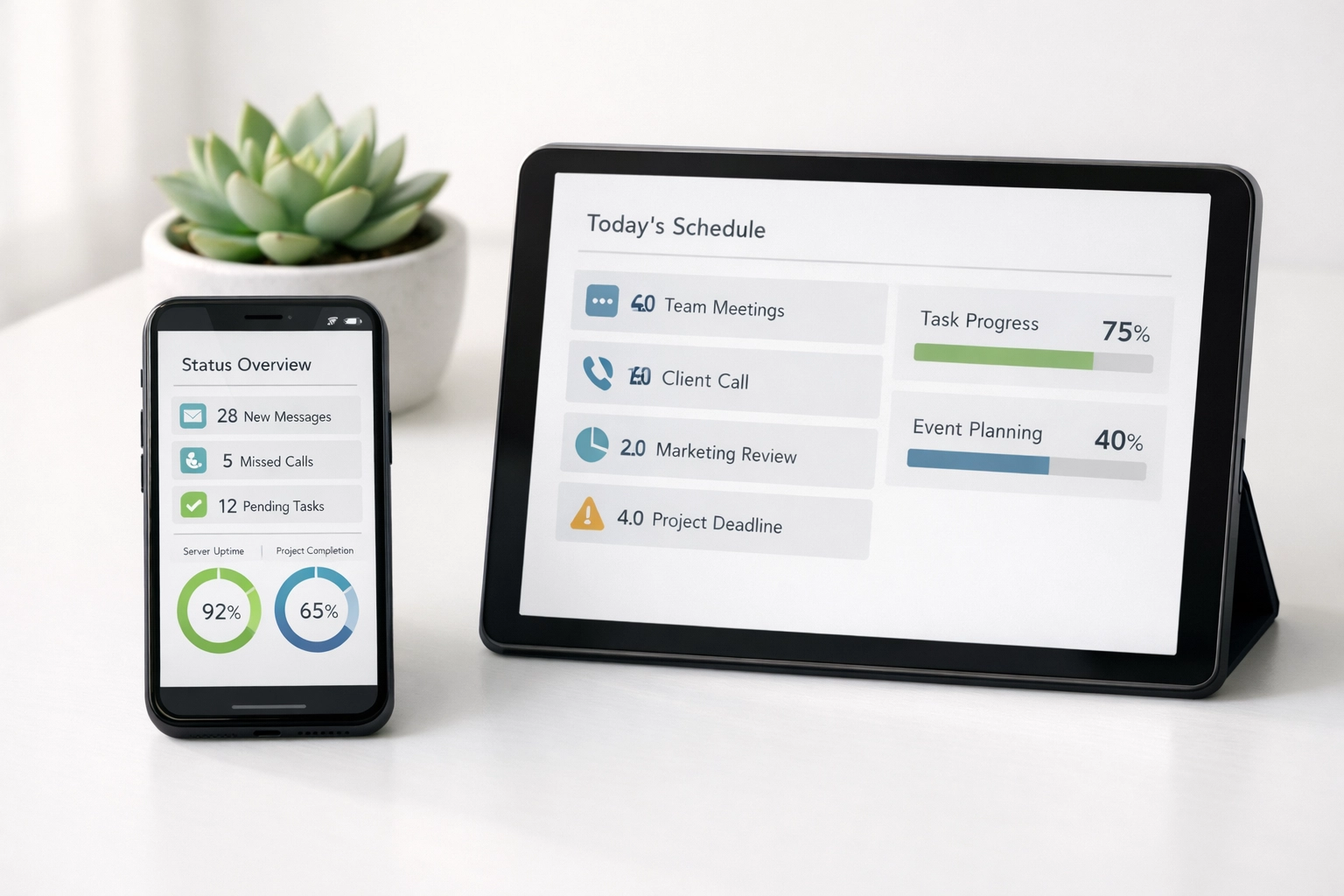
Use automated email sequences triggered by return status changes. When a return is e-filed, the client receives confirmation automatically. When the IRS accepts the return, another automated message deploys. If the IRS rejects the return, the system notifies the client and requests necessary corrections.
Online scheduling systems eliminate phone tag for appointments. Clients book available time slots directly, and the system sends automated reminders 48 hours and 24 hours before appointments. No-show rates typically decrease by 25-30% with this approach.
Text message status updates further reduce inbound inquiries. Most clients prefer text notifications over phone calls, and SMS delivery rates exceed 95%.
The initial setup requires 8-12 hours but saves 10-15 hours weekly once operational. This represents a positive return on time investment within the first month.
Step 4: Establish Clear Service Tiers
Offering identical service levels to all clients creates inefficiency. A straightforward W-2 return requires minimal time, while a multi-state business return with rental properties demands hours of preparation.
Define three service tiers with corresponding pricing: basic, standard, and premium. Basic service covers simple returns with standard processing time. Standard service includes moderate complexity with priority processing. Premium service provides comprehensive tax planning, audit support, and same-day processing.
Price each tier to reflect actual time investment. This aligns revenue with effort and discourages clients from selecting premium service for simple situations.

Create intake forms that automatically assign clients to appropriate tiers based on return complexity. This prevents misaligned expectations and ensures proper resource allocation.
Service tiers enable strategic capacity allocation. During peak periods, prioritize premium clients who generate higher revenue per hour. Schedule basic service clients during slower periods or route them to junior staff members.
This approach typically increases revenue per hour by 20-35% without extending work hours or adding staff.
Step 5: Optimize Physical and Digital Workspace
Workspace organization directly impacts processing speed. Inefficient layouts and disorganized digital files create friction that accumulates across hundreds of returns.
Physical workspace should minimize movement. Position printers, scanners, and supplies within arm's reach of the primary workstation. Arrange frequently used reference materials in easily accessible locations.
Digital workspace requires similar attention. Establish consistent folder structures for client files. Use standardized naming conventions that enable instant file location. Template libraries for common return types reduce preparation time by 5-10 minutes per return.
Keyboard shortcuts and software customization accelerate repetitive tasks. Invest time learning advanced features of your tax preparation software. Most EROs use less than 40% of available functionality.
Dual monitors increase productivity by 20-30% for tax preparation work. This enables simultaneous viewing of source documents and tax software without constant window switching.
Document management systems with OCR capability eliminate manual data entry for W-2s and 1099s. The software extracts information from scanned documents and populates tax forms automatically.
These optimizations individually provide modest improvements. Combined, they reduce per-return processing time by 15-20%.
Implementation Sequence
Implement these steps sequentially rather than simultaneously. Start with batch processing protocols in week one. This provides immediate capacity gains and funds subsequent improvements.
Add service bureau partnerships in week two. Use the time savings from batch processing to research and onboard with an appropriate bureau partner.
Deploy automated client communication systems in week three. The reduced inquiry volume becomes noticeable within days.
Establish service tiers in week four. This requires updating pricing structures and client communications but delivers immediate revenue impact.
Optimize workspace continuously. Make incremental improvements weekly rather than attempting comprehensive reorganization.
Full implementation typically requires 60-90 days. Capacity gains become measurable within the first month. Most EROs report 40-60% volume increases in the first full season after implementation.
Measuring Results
Track three metrics to assess scaling success: returns per staff hour, revenue per staff hour, and client satisfaction scores.
Returns per staff hour measures pure throughput. Calculate this weekly during filing season. Expect 15-25% improvement in the first season and continued gains in subsequent years.
Revenue per staff hour indicates whether volume growth maintains or improves profitability. This should increase if service tiers are properly implemented and priced.
Client satisfaction scores confirm that efficiency gains don't compromise service quality. Survey clients post-filing to ensure automation and process changes meet expectations.
These metrics provide objective feedback about scaling effectiveness and identify areas requiring adjustment.
Scaling ERO operations without hiring is possible through systematic process improvement. The five steps outlined eliminate bottlenecks, automate repetitive tasks, and optimize resource allocation. Implementation requires upfront time investment but delivers sustained capacity gains that compound across multiple filing seasons.