
SEO Title: Scale Your ERO Service Capacity Fast | TIG Tax Pros
Slug: scale-ero-service-capacity-fast
Excerpt: Tax season bottlenecks costing you clients? Learn proven strategies to scale your ERO service capacity using infrastructure upgrades and workflow automation.
Tags: ERO Services, Tax Business Growth, ERO Operations, Tax Software, Service Bureau, Ohio Tax Practice
Understanding ERO Capacity Constraints
Electronic Return Originators face predictable capacity problems during peak filing periods. Most limitations stem from three factors: software license restrictions, workflow inefficiencies, and staff availability. Addressing these constraints requires systematic infrastructure changes rather than temporary fixes.
Service capacity determines revenue potential. An ERO processing 50 returns weekly at current capacity leaves significant income on the table compared to one handling 200 returns with optimized systems.
Infrastructure Upgrades for Immediate Capacity Gains
Software Licensing Models
Switch from per-return to unlimited filing licenses. The break-even point typically occurs between 75-100 returns annually. Unlimited licensing eliminates mental accounting friction that slows processing decisions.
Evaluate software providers offering cloud-based solutions with automatic scaling. Desktop-only platforms create artificial bottlenecks when multiple staff members require simultaneous access.
Hardware Requirements
Processing speed directly impacts throughput. Minimum recommended specifications:
- 16GB RAM for primary workstations
- SSD storage for all tax software installations
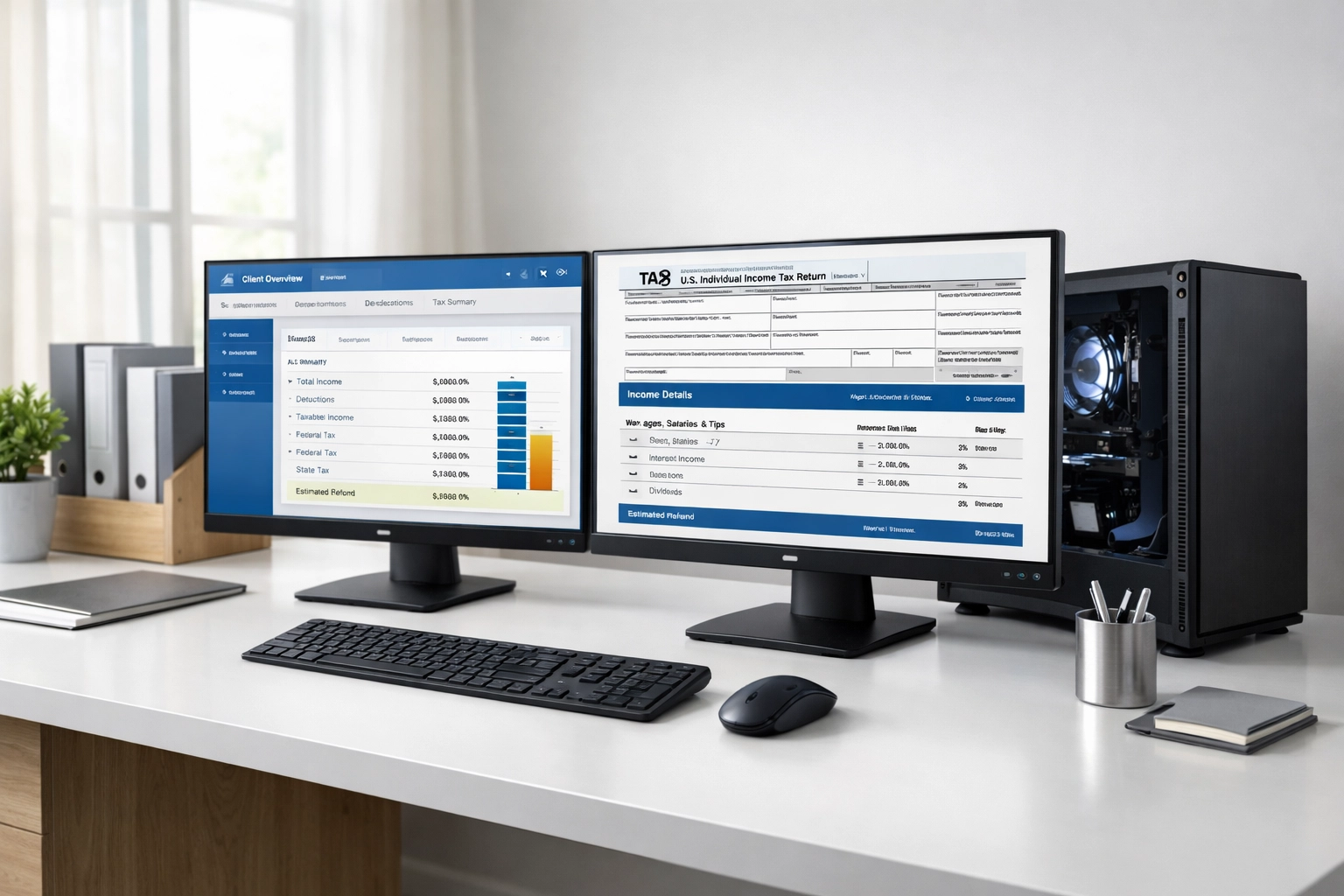
- Dual monitor setups to reduce screen-switching delays
- Backup power systems to prevent data loss during outages
These investments cost $1,500-$2,500 per workstation but eliminate hours of cumulative delays across a season.
Network Infrastructure
Bandwidth limitations create invisible bottlenecks during IRS e-file transmissions. Upgrade to business-class internet with:
- Minimum 100 Mbps upload speeds
- Static IP addresses for consistent ERO connections
- Redundant connections from secondary providers
- VPN capabilities for secure remote processing
Workflow Automation Systems
Client Intake Optimization
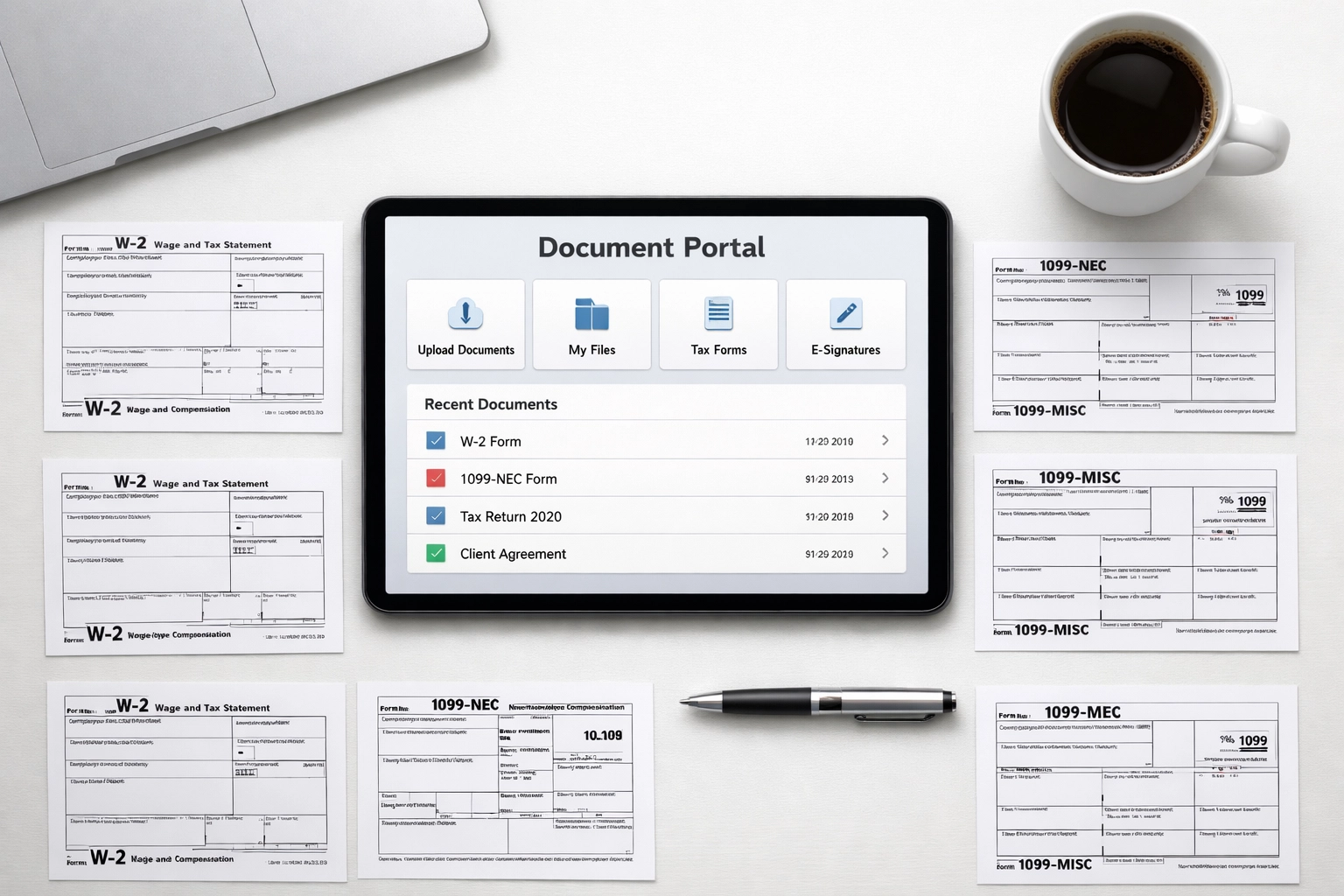
Implement digital document collection portals. This eliminates 60-80% of manual data entry time. Effective portals include:
- Automated document categorization
- OCR scanning for W-2s and 1099s
- Client questionnaire pre-population
- Missing document alerts
Processing Checklist Standardization
Create return-type-specific checklists covering every processing step. Standard checklists reduce oversight errors and enable delegation to junior preparers.
Document checklists should specify:
- Required forms by return type
- State-specific requirements
- Common deduction verifications
- Quality control checkpoints
Batch Processing Procedures
Group similar returns for sequential processing. Process all 1040-EZ returns together, then move to 1040s with Schedule C, then complex returns. This reduces context-switching costs and maintains preparer focus.
Batch processing typically increases individual preparer throughput by 25-35%.
Technology Stack Integration
Multi-User Software Environments
Single-user software creates capacity ceilings. Multi-user platforms allow simultaneous processing by multiple team members accessing shared client databases.
Key features for scalable operations:
- Role-based access controls
- Real-time return status tracking
- Integrated e-signature collection
- Centralized bank product applications
Practice Management Software
Separate practice management tools provide oversight across all returns in progress. These systems track:
- Return assignment and status
- Client communication logs
- Document collection progress
- Revenue per return metrics
Integration between tax software and practice management eliminates duplicate data entry.
E-Signature Platforms
Manual signature collection delays final filing by 2-5 days per return. E-signature integration reduces this to 2-4 hours in most cases.
Select platforms offering:
- IRS Form 8879 compliance
- State tax authority acceptance
- Mobile-friendly signing interfaces
- Automated reminder sequences
Service Bureau Partnerships

When to Consider Service Bureau Models
Service bureaus handle return transmission under your EFIN while you maintain client relationships. This model suits practices experiencing:
- Seasonal capacity overload
- EFIN application delays
- Geographic expansion needs
- Staffing constraints
Service bureau partnerships enable immediate capacity scaling without infrastructure investment.
Selecting Service Bureau Partners
Evaluate partners on these criteria:
- Per-return pricing structures
- Transmission speed guarantees
- Bank product offerings
- Technical support availability
- Multi-state filing capabilities
Request references from current partner EROs to verify reliability during peak periods.
Hybrid Operating Models
Many established EROs use hybrid approaches: direct filing for simple returns and service bureau support for complex returns or overflow volume. This maximizes flexibility while maintaining quality standards.
Ohio-Specific Capacity Considerations
Ohio tax practitioners face unique scaling challenges due to state requirements. Ohio's school district tax system adds complexity requiring specialized knowledge and additional processing time.
Ohio EFIN Requirements
Ohio requires separate state ERO authorization beyond federal EFIN. Process state applications 45-60 days before peak season to avoid delays. The Ohio Department of Taxation processes applications within 30 days during off-peak periods but may take 60+ days during January-March.
Ohio IT-1040 Processing
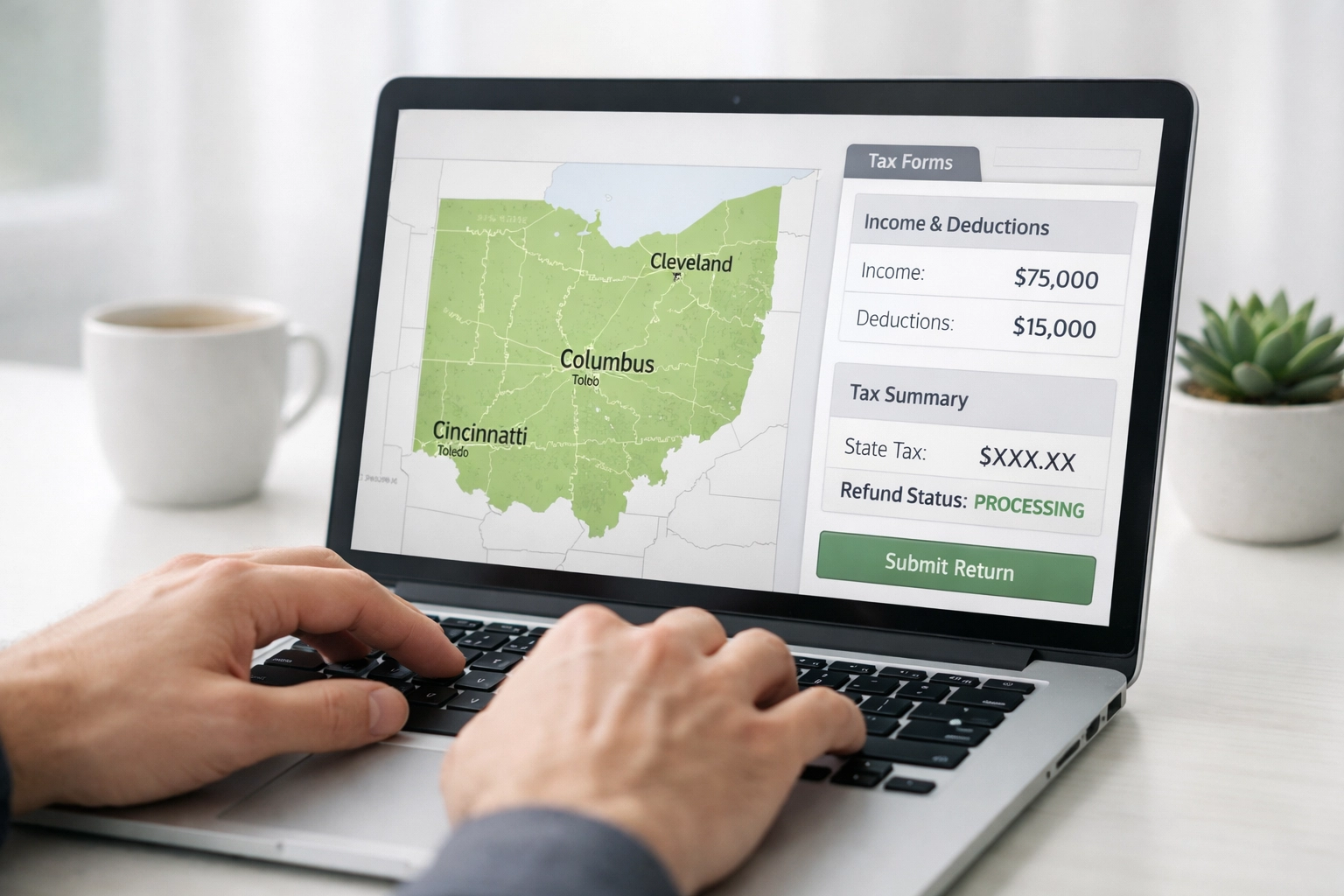
Ohio individual returns require careful attention to municipal tax requirements. Each of Ohio's 650+ municipalities maintains separate tax codes. Scaling Ohio operations requires either:
- Staff training on municipal tax variations
- Software with comprehensive Ohio locality databases
- Service bureau partnerships with Ohio expertise
Preparers handling 100+ Ohio returns annually should invest in specialized Ohio tax software modules rather than relying on basic state filing packages.
Implementation Timeline
Week 1: Assessment and Planning
Document current capacity metrics:
- Average returns per preparer per week
- Return completion time by type
- Client document collection delays
- Software/hardware bottlenecks
Identify the single largest constraint limiting current capacity.
Week 2-3: Infrastructure Deployment
Order and install hardware upgrades. Configure software licenses. Establish document collection portals. Test all systems with 5-10 sample returns before deploying to full client base.
Week 4: Team Training
Train staff on new workflows and systems. Run parallel processing using old and new systems to identify gaps. Adjust procedures based on team feedback.
Ongoing: Monitoring and Adjustment
Track weekly capacity metrics:
- Returns processed per preparer
- Average completion time by return type
- Client satisfaction scores
- Revenue per labor hour
Adjust workflows monthly based on performance data.
Measuring Capacity Improvements
Establish baseline metrics before implementing changes. Track these KPIs weekly:
Volume Metrics
- Total returns filed per week
- Returns filed per preparer
- New client acquisitions
Efficiency Metrics
- Average hours per return type
- Document collection time
- Rework/amendment rate
Financial Metrics
- Revenue per preparer hour
- Average fee per return
- Profit margin per return type
A successful scaling initiative should increase per-preparer capacity by 40-60% within one full season.
Common Scaling Mistakes
Avoid these capacity-killing errors:
Over-hiring Without Systems: Adding staff before optimizing workflows multiplies inefficiencies rather than solving them.
Technology Without Training: New software provides zero benefit without proper staff training and adoption.
Uniform Processing Approaches: Simple and complex returns require different workflows. Process them separately.
Inadequate Quality Controls: Scaling without maintaining review procedures increases error rates and professional liability exposure.
Next Steps
Select one capacity constraint to address this week. Implement a solution completely before moving to the next constraint. Incremental improvements compound faster than attempting simultaneous overhauls across all systems.
TIG Tax Pros provides unlimited filing software and ERO support services designed for practices scaling operations. Review current capacity limitations and identify specific infrastructure or workflow changes delivering immediate throughput improvements.