
Service bureau partnerships allow Electronic Return Originators to expand capacity without acquiring additional EFINs or managing complex infrastructure. However, improper setup creates compliance gaps, rejected returns, and potential sanctions from the IRS.
This guide identifies seven critical errors EROs make when establishing service bureau relationships and provides corrective actions.
1. Using Non-IRS-Approved Software
The IRS requires all electronically filed returns to be generated using approved tax preparation software. Some EROs attempt to use unlicensed or outdated software versions when working through service bureaus.
The Problem:
Returns created with non-approved software will be rejected by the IRS Modernized e-File system. Your service bureau cannot transmit returns that don't meet IRS specifications, regardless of their transmission capabilities.
The Fix:
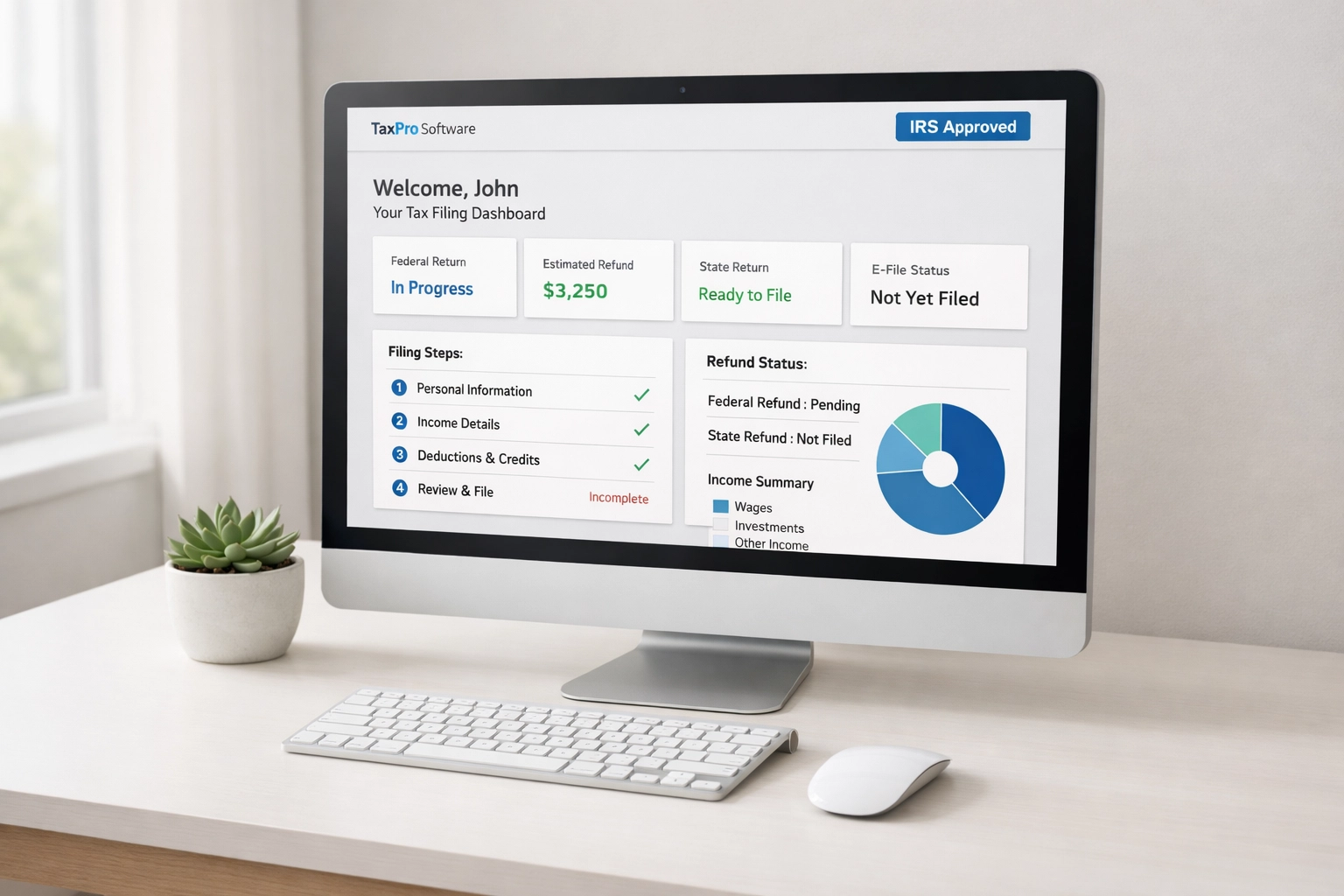
Verify your tax preparation software appears on the current IRS Approved Software Provider list. Confirm the software version supports the current tax year. Most service bureaus provide approved software as part of their package: use it.
2. Incomplete Office Configuration Data
EROs frequently leave critical fields blank in their office configuration settings, particularly when transitioning to a service bureau model.
The Problem:
Your federal EIN, business name (exactly as registered with the IRS), and other required identifiers must match IRS records precisely. Discrepancies or missing data prevent electronic filing altogether. The service bureau cannot override these fields on your behalf.
The Fix:
Complete all required fields in your ERO profile before transmitting your first return. Cross-reference your entries against your IRS acceptance letter and Schedule C or business formation documents. Update this information annually and whenever business details change.
3. Missing or Invalid Form 8879 Authorization
Form 8879 (IRS e-file Signature Authorization) is mandatory for each electronically filed return. EROs working with service bureaus sometimes assume the bureau handles authorization documentation.
The Problem:
The ERO: not the service bureau: is responsible for obtaining and retaining signed Form 8879 for each taxpayer. Transmitting returns without proper authorization violates IRS regulations and can result in EFIN suspension or revocation.
The Fix:
Establish a documented process for collecting Form 8879 before transmitting any return. Retain these forms for three years from the return due date or IRS received date, whichever is later. Implement a checklist system that prevents return transmission until authorization is confirmed in your files.
4. Inadequate Data Security Measures
Service bureau arrangements involve transmitting sensitive taxpayer data between multiple parties. EROs often underestimate their security obligations in these relationships.
The Problem:
You remain responsible for protecting taxpayer information even when using a service bureau. Weak passwords, unsecured file transfers, and lack of encryption create data breach risks that expose you to IRS penalties and civil liability.
The Fix:
Use encrypted file transfer protocols (SFTP or secure web portals) provided by your service bureau. Implement strong password policies with multi-factor authentication. Install and maintain current antivirus software and firewalls. Document your security procedures in a written information security plan as required by IRS Publication 4557.

5. Undefined Communication Protocols
Many ERO-service bureau relationships fail due to unclear communication expectations about return status, rejections, and acknowledgment monitoring.
The Problem:
When roles are undefined, critical information falls through gaps. Returns sit in rejected status without resolution. Clients receive no updates on filing status. The ERO assumes the bureau is monitoring acknowledgments; the bureau assumes the ERO is handling client communication.
The Fix:
Establish written procedures defining who monitors daily acknowledgments, who contacts clients about rejections, and response time expectations for correction requests. Set up automated alerts from your service bureau for rejected returns. Designate a single point of contact on both sides for technical issues.
6. Ignoring State-Specific Requirements
State tax regulations vary significantly. EROs in states with unique filing requirements: particularly Ohio: often encounter problems when service bureau setups don't account for state compliance.
The Problem:
Ohio requires electronic filing for most preparers who prepare 11 or more Ohio income tax returns annually. Ohio uses its own electronic filing system (Ohio Business Gateway) separate from federal e-file. Some service bureaus don't support Ohio state returns or require separate setup procedures. EROs who assume federal setup covers state requirements face compliance violations.
The Fix:
Verify your service bureau supports electronic filing for all states where you prepare returns. For Ohio specifically, confirm the bureau is registered with Ohio Department of Taxation and can transmit through the Ohio eBusiness Gateway. Obtain separate Ohio vendor registration if required. Check state-specific deadlines: Ohio has different extension and payment deadlines than federal returns.
7. No Documented Error Resolution Process
IRS rejection codes require specific corrective actions. EROs without systematic error resolution procedures create processing backlogs and missed deadlines.
The Problem:
Common rejection codes (duplicate filing, EIN mismatch, dependent SSN errors) have standard resolution paths. EROs who treat each rejection as a unique crisis waste time and create client dissatisfaction. Service bureaus cannot correct most rejection reasons: the ERO must obtain correct information from the taxpayer and resubmit.
The Fix:
Create a reference guide of the 20 most common IRS rejection codes with step-by-step resolution procedures. Train staff on standard corrections that don't require additional client contact versus issues requiring taxpayer verification. Set internal deadlines for rejection resolution (48 hours maximum). Track rejection rates by preparer to identify training needs.
Implementation Timeline
Correct these errors before peak filing season begins:
Week 1: Audit your current software compliance and office configuration settings. Update any missing or incorrect data.
Week 2: Review and update your Form 8879 collection and retention procedures. Train staff on authorization requirements.
Week 3: Assess data security measures. Implement encrypted file transfer and multi-factor authentication.
Week 4: Document communication protocols with your service bureau. Establish clear role definitions and response times.
Week 5: Verify state filing compliance, particularly for Ohio and other states with separate e-file systems.
Week 6: Create your error resolution guide and train staff on common rejection scenarios.
Service Bureau Relationship Checklist
Use this checklist to verify your setup is complete:
- Tax software appears on current IRS approved provider list
- All office configuration fields completed and verified
- Form 8879 collection process documented and staff trained
- Encrypted file transfer method established
- Written information security plan created
- Communication protocol agreement signed with service bureau
- State filing capabilities verified for all practice states
- Ohio eBusiness Gateway access confirmed (if applicable)
- Error resolution procedures documented
- Staff trained on rejection code responses
Regulatory References
ERO obligations are defined in IRS Publication 3112 (IRS e-file Application and Participation) and Publication 4557 (Safeguarding Taxpayer Data). Ohio-specific requirements appear in Ohio Revised Code Section 5703.057 and Ohio Administrative Code 5703-7-17.
Service bureau arrangements do not transfer your compliance responsibilities. The IRS holds the ERO accountable for all returns filed under your EFIN regardless of who performs transmission functions.
Review your service bureau contract annually. Verify the provider maintains appropriate security certifications and IRS compliance status. Document all setup procedures for audit purposes.