

Tax season demands efficiency. Every hour spent chasing documents, answering repetitive questions, or manually entering data is an hour not spent on billable work.
The math is straightforward: if you save just two hours per day across a five-day work week, that's 10 hours reclaimed. Over a 12-week tax season, that's 120 hours: or three full work weeks.
This post covers three tech upgrades that deliver measurable time savings. Each one is accessible, affordable, and ready to implement now.
The Real Cost of Manual Processes
Before diving into solutions, consider where time actually goes during tax season.
Document collection typically consumes 15-20% of total preparation time. Clients forget attachments. You send follow-up emails. They send photos of crumpled receipts. You request the same W-2 three times.
Client communication eats another significant chunk. Answering the same status questions. Explaining what documents are still needed. Scheduling appointments back and forth.
Data entry rounds out the inefficiency trifecta. Typing numbers from PDFs into software. Categorizing expenses manually. Double-checking for transcription errors.
Each of these areas has a tech solution ready for deployment.

Upgrade #1: Automated Document Collection Portals
The traditional document collection process looks like this: email clients a checklist, wait for responses, receive incomplete submissions, send reminders, receive more incomplete submissions, repeat.
Automated document portals flip this process.
How They Work
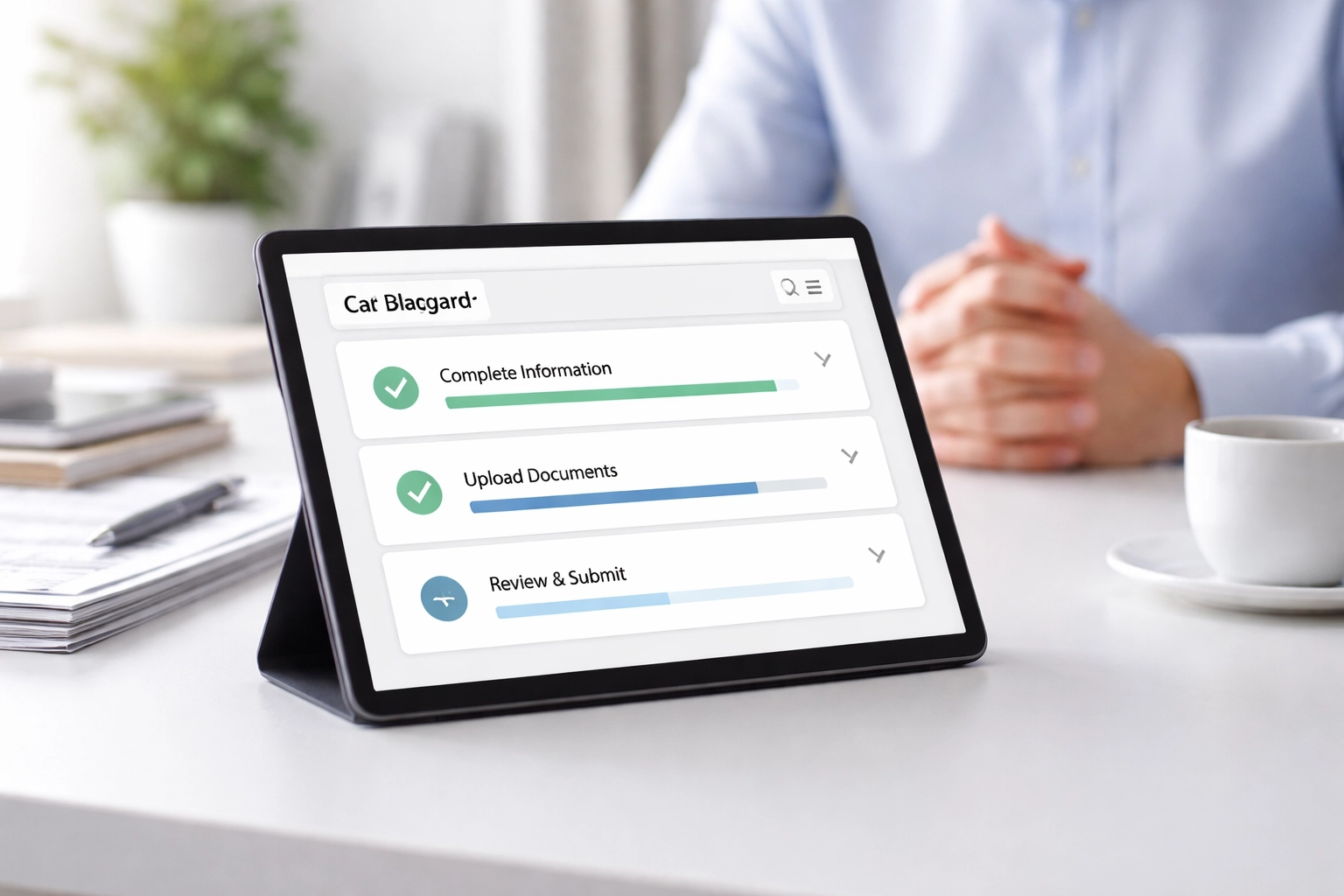
Client portals provide a secure, centralized location where clients upload their tax documents. The system tracks what's been submitted and what's missing. Automatic reminders go out without any action from you.
Key features to look for:
- Document checklists customized by client type (W-2 employees vs. self-employed vs. rental property owners)
- Automatic reminders sent at intervals you define
- Progress tracking visible to both you and the client
- Secure upload with encryption and compliance features
- Integration with your existing tax software
Time Savings
Document portals eliminate the back-and-forth email chains. Instead of sending 5-10 reminder emails per client, the system handles it. Instead of manually tracking who submitted what, you check a dashboard.
Conservative estimate: 30-45 minutes saved per client during document collection. For a practice handling 200 returns, that's 100-150 hours saved.
Getting Started
Several options exist at various price points:
- Canopy offers practice management with built-in client portals
- TaxDome combines document management with client communication
- SmartVault focuses specifically on secure document storage and sharing
Most platforms offer free trials. Test one before committing.
Upgrade #2: AI-Powered Client Communication Tools
Client questions follow predictable patterns. "Did you receive my documents?" "When will my return be ready?" "What's the status of my refund?"
Answering these questions manually interrupts workflow and consumes significant time across a client base.
How AI Communication Tools Work
AI-powered communication tools handle routine inquiries automatically. They work through several mechanisms:
Chatbots integrated into your website or client portal answer common questions 24/7. Modern AI chatbots understand natural language and provide relevant responses without sounding robotic.
Automated status updates push notifications to clients when milestones occur: documents received, return in progress, return filed, refund issued.
Smart scheduling allows clients to book appointments directly into your calendar based on your availability, eliminating the back-and-forth of finding a mutual time.
Implementation Options
For tax professionals, these tools require minimal technical setup:
- Calendly or Acuity for automated appointment scheduling
- Intercom or Drift for website chatbots
- Practice management platforms with built-in communication features
Many tax software solutions now include client communication features as standard.
Time Savings
Consider the math:
- Average time spent scheduling one appointment manually: 8-10 minutes
- Average time answering one status inquiry: 3-5 minutes
- Average appointments per week during tax season: 20-30
- Average status inquiries per day: 10-15
Automating these interactions saves 3-4 hours weekly at minimum.
The secondary benefit: fewer interruptions means better focus on actual tax preparation work.
Upgrade #3: Smart Receipt and Data Extraction
Manual data entry remains one of the most time-consuming aspects of tax preparation. Reading numbers from documents and typing them into software is slow, tedious, and error-prone.
Optical Character Recognition (OCR) combined with AI has transformed this process.

How Data Extraction Works
Modern tools can:
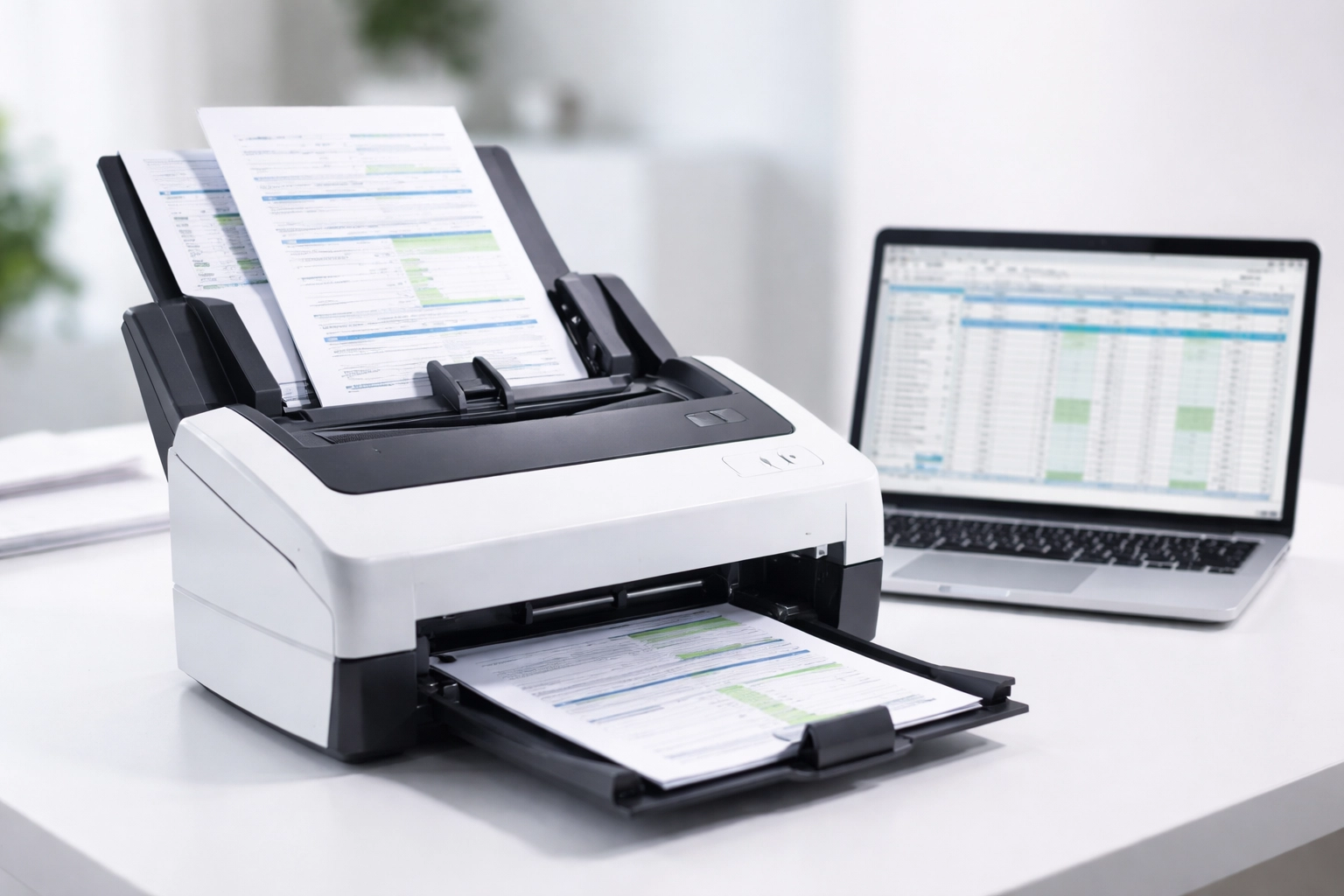
- Scan documents (W-2s, 1099s, receipts, invoices) and extract relevant data automatically
- Categorize expenses based on learned patterns
- Import directly into tax preparation software
- Flag inconsistencies for human review
The technology reads documents faster and more accurately than manual entry. It doesn't get tired. It doesn't transpose digits.
Available Tools
Several options serve tax professionals specifically:
Receipt capture apps like Hubdoc automatically organize and categorize financial documents. Clients can snap photos of receipts throughout the year, and the system extracts and categorizes the data.
Tax software integrations increasingly include automatic import features. W-2s and 1099s can be pulled directly from employer and financial institution databases, bypassing manual entry entirely.
Dedicated OCR tools like ABBYY or Adobe Acrobat Pro handle batch processing of scanned documents.
For practices using professional tax software, check what import and extraction features are already included. Many preparers underutilize capabilities they've already purchased.
Time Savings
Data extraction tools cut entry time by 60-80% on average. For a return that previously required 20 minutes of data entry, expect 4-8 minutes with automated extraction.
Across hundreds of returns, this compounds into substantial time recovery.
Implementation Strategy
Adding three new tools simultaneously creates chaos. A phased approach works better.
Week 1-2: Implement document collection portal. This has the longest lead time since clients need to adopt it.
Week 3-4: Set up automated scheduling. This delivers immediate relief with minimal learning curve.
Week 5-6: Deploy data extraction tools. Test on a batch of returns before relying on them fully.
Cost Considerations
Budget ranges for these tools:
| Tool Category | Monthly Cost Range |
|---|---|
| Document Portal | $30-100 |
| Communication/Scheduling | $15-50 |
| Data Extraction | $20-75 |
Total investment: $65-225 monthly. Against 10 hours saved weekly at even modest billing rates, the ROI is immediate.
Integration Matters
Before purchasing any tool, verify it integrates with your existing tax software and workflow. Standalone tools that don't connect create more work, not less.
Most vendors publish integration lists. Check them.
Measuring Results
Track your time savings explicitly. For the first month:
- Log time spent on document collection activities
- Count client communication interruptions
- Time data entry tasks
Compare against baseline from previous seasons. Adjust tools and workflows based on actual results, not assumed benefits.
Common Implementation Mistakes
Adopting too many tools at once. Each tool has a learning curve. Stagger implementation.
Not training staff. Tools only save time if everyone uses them correctly. Budget time for training.
Skipping client communication. Clients need to know about new portals and processes. Send clear instructions before tax season begins.
Ignoring existing features. Audit your current software for underutilized automation features before buying new tools.
The Bottom Line
Ten hours per week is achievable with deliberate technology adoption. Document portals eliminate collection chaos. AI communication tools handle routine inquiries. Data extraction removes manual entry bottlenecks.
Each upgrade addresses a specific time drain. Together, they transform practice efficiency.
Start with one. Measure results. Expand from there.
For additional resources on building an efficient tax practice, visit the TIG Tax Pros blog.