

Running a tax practice means juggling endless client documents, complex calculations, and tight deadlines. The good news? Technology can handle much of the heavy lifting. Here are five proven shortcuts that can transform your tax firm efficiency without breaking your budget.
1. Automate Document Processing and Data Entry
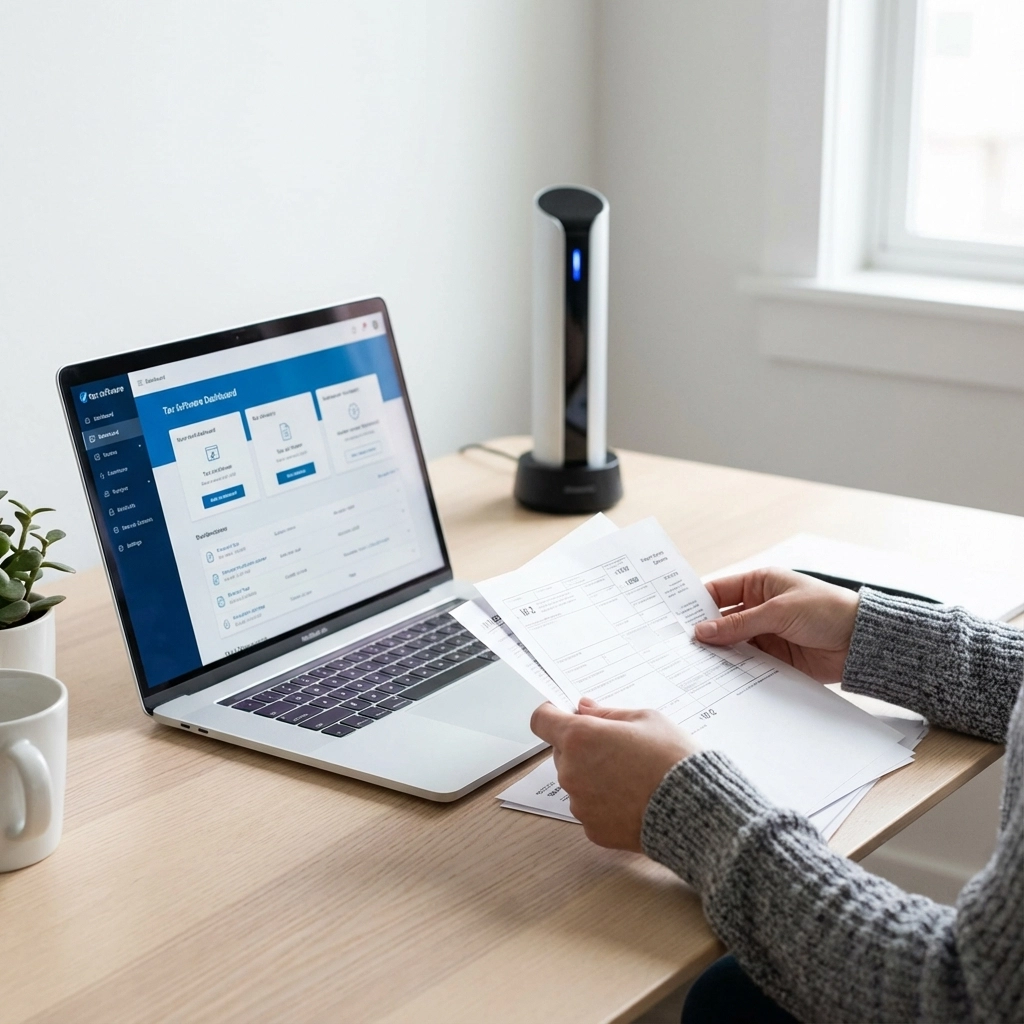
Manual data entry eats up valuable time that could be spent on client consultation and business growth. Document scanning technology eliminates this bottleneck by extracting information directly from client paperwork.
How It Works
OCR (Optical Character Recognition) tools scan forms like W-2s, 1099s, and receipts, then populate your tax software automatically. Tools like 1040SCAN can process 4-7 times more documents than manual entry methods.
Practical Implementation
Start with common forms that arrive in high volume. Most scanning tools integrate directly with popular tax software like Drake, Lacerte, and ProSeries. The setup typically takes under an hour, and the time savings appear immediately.
For solo practitioners, even basic scanning software can reduce data entry time by 75%. One small firm reported cutting their document processing time from 8 hours per day to 2 hours during peak season.
Cost-Effective Options
- Free solutions: Many tax software packages include basic scanning features
- Budget tools: Dext offers OCR functionality starting at reasonable monthly rates
- Advanced options: Professional-grade scanners with automated workflows for larger practices
2. Adopt Cloud-Based Tax Software
Cloud platforms eliminate the maintenance headaches of traditional desktop software while enabling remote work capabilities that clients now expect.
Key Benefits for Tax Firm Efficiency
Cloud-based systems handle updates automatically, reducing downtime during critical filing periods. Your data stays accessible from any location, enabling flexible work arrangements and improved client service.
Modern solutions like CCH Axcess Tax Essentials deliver enterprise functionality at costs significantly lower than traditional software. Many firms report four-times cost reduction compared to legacy systems.
Implementation Strategy
Migration doesn't require a complete overhaul. Start by moving less complex returns to test the system. Most cloud platforms offer data import tools that transfer existing client information seamlessly.
Security remains paramount. Choose platforms with bank-level encryption and compliance certifications. This protects client data while meeting professional standards.

Remote Work Advantages
Cloud access enables staff to work from multiple locations without compromising security or efficiency. During peak season, this flexibility can mean the difference between meeting deadlines and missing them.
3. Implement Workflow Automation Templates
Standardized workflows eliminate guesswork while ensuring consistent service delivery across all client engagements.
Creating Effective Templates
Build templates around your most common tax scenarios. Include client communication schedules, document checklists, and review procedures. This approach reduces variation in service quality while speeding up routine processes.
Automated workflows create seamless data flow between different software systems. When client information updates in one area, it propagates automatically to related systems.
Real-World Results
Firms using automated communication templates report saving 288 hours per tax season. These hours translate directly to increased capacity for new clients or reduced overtime stress.
Template Categories to Start With
- New client onboarding: Standardized welcome sequences and document requests
- Annual client renewals: Automated reminders and status updates
- Complex return processes: Checklists for partnership returns, multi-state filings
- Year-end procedures: Systematic review and filing protocols

4. Leverage AI-Powered Research Tools
Tax research traditionally requires hours of manual searching through regulations, court cases, and professional guidance. AI tools compress this research time while improving accuracy.
Practical AI Applications
Modern AI research tools like CoCounsel Tax combine multiple databases into single search interfaces. Instead of checking multiple sources, you get comprehensive answers from one query.
CCH AnswerConnect provides expert-vetted responses to complex scenarios, including multi-state tax implications and recent court decisions. This eliminates reliance on potentially outdated internet sources.
Time-Saving Benefits
Complex research questions that previously took hours now receive answers within minutes. AI tools cross-reference current regulations with recent changes, ensuring recommendations stay current.
For smaller practices, AI research levels the playing field with larger firms. Access to comprehensive tax knowledge becomes available without maintaining expensive libraries or multiple subscription services.
Integration with Daily Practice
AI research works best when integrated into existing workflows. Set up bookmarks for common research scenarios. Create templates for frequently asked client questions. This preparation enables quick responses during client meetings.
5. Integrate Secure Client Portals
Client portals streamline document collection, communication, and payment processing while improving the client experience.
Core Portal Features
Effective client portals combine document sharing, e-signature capabilities, and secure messaging. Clients upload documents directly, eliminating email attachments and physical paperwork.
E-signature integration removes delays caused by printing, signing, and mailing forms. Returns can be reviewed, signed, and filed within the same day.
Measurable Improvements
Firms using client portals report 40% better response rates for document requests. Response times decrease by 50% when clients can access their information 24/7.

Payment Processing Integration
Built-in payment processing eliminates separate invoicing systems. Clients can review their return and pay fees in one seamless process. This integration reduces collection time and improves cash flow.
Security Considerations
Client portals must meet professional security standards. Look for features like two-factor authentication, encrypted storage, and audit trails. These protections satisfy professional liability requirements while building client trust.
Implementation Strategy for Small Firms
Start with one technology at a time. Pick the area causing the most inefficiency in your current process. Master that tool before adding another.
Budget-Conscious Approach
Many tools offer free trials or basic versions. Test functionality before committing to paid subscriptions. Scale up features as your practice grows and technology proves its value.
Staff Training
Successful implementation requires staff buy-in. Provide adequate training time. Document new procedures. Create backup plans for technology outages.
Measuring Results
Track specific metrics to quantify improvements:
- Time spent on data entry tasks
- Client response rates for document requests
- Average time from engagement to filing
- Staff overtime hours during peak season
These measurements justify technology investments and guide future improvements.
Getting Started Today
Choose one technology shortcut that addresses your biggest efficiency challenge. Set up a trial or pilot program. Document the results after 30 days.
The key to improving tax firm efficiency lies in systematic implementation rather than dramatic overhauls. Small, consistent improvements compound into significant time savings and better client service.
Technology shortcuts work best when they solve actual problems in your practice. Focus on tools that eliminate repetitive tasks, reduce errors, and improve client communication. These improvements create time for the strategic work that grows your practice.