
Manual ERO processes consume hours that could generate revenue. Electronic Return Originators spend an average of 12-15 hours weekly on administrative tasks unrelated to actual return preparation. This guide identifies seven specific automation points that reduce operational overhead.
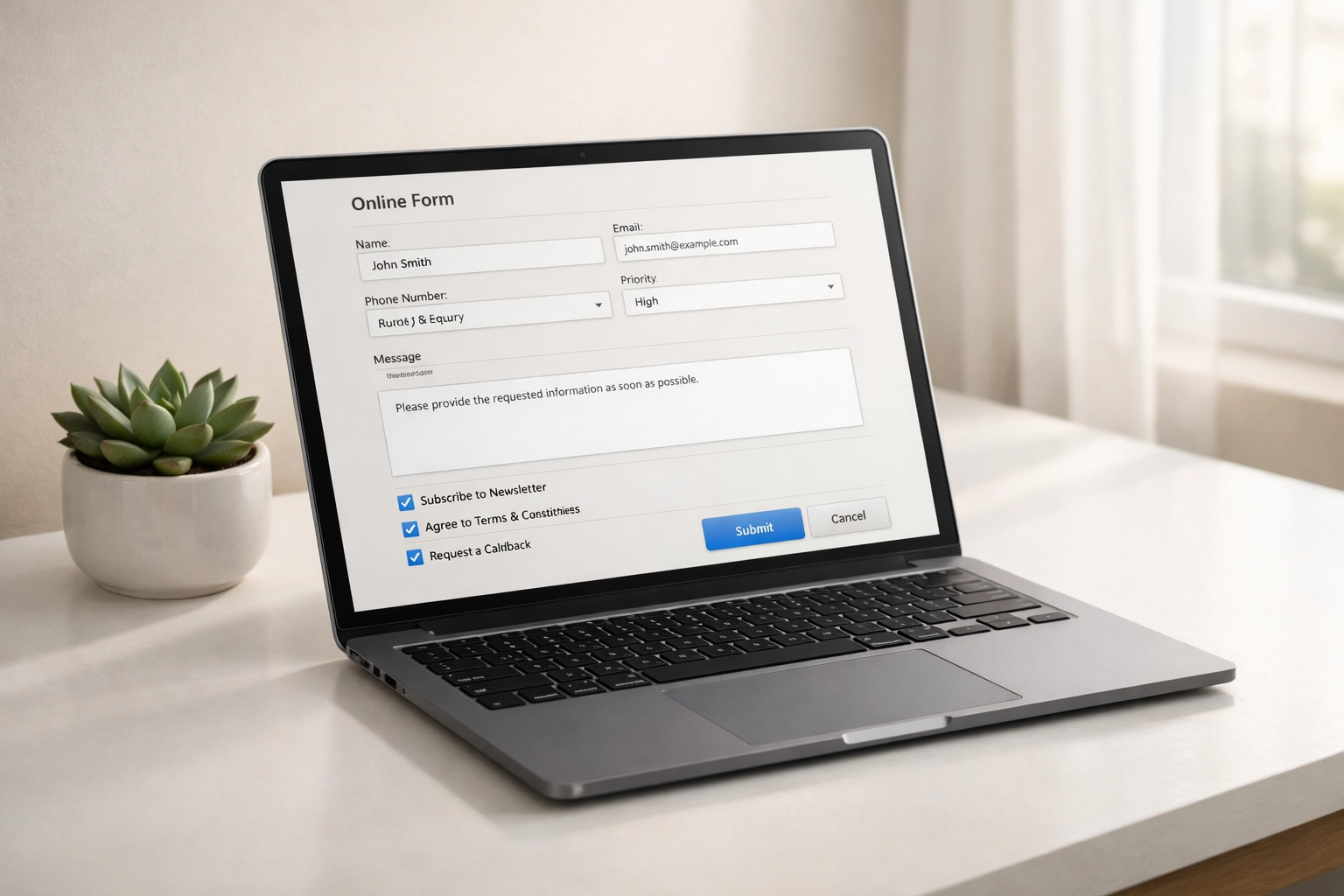
1. Client Intake Form Automation
Replace paper forms and email attachments with digital intake systems. Configure automated workflows that capture client information, verify PTIN status for preparers, and populate directly into your tax software.
Key implementation steps:
- Set up web forms with conditional logic
- Connect forms to CRM or practice management software
- Enable automatic client folder creation
- Configure notification triggers for incomplete submissions
Most EROs recover 3-4 hours weekly by eliminating manual data entry from intake forms.
2. Document Collection Workflows
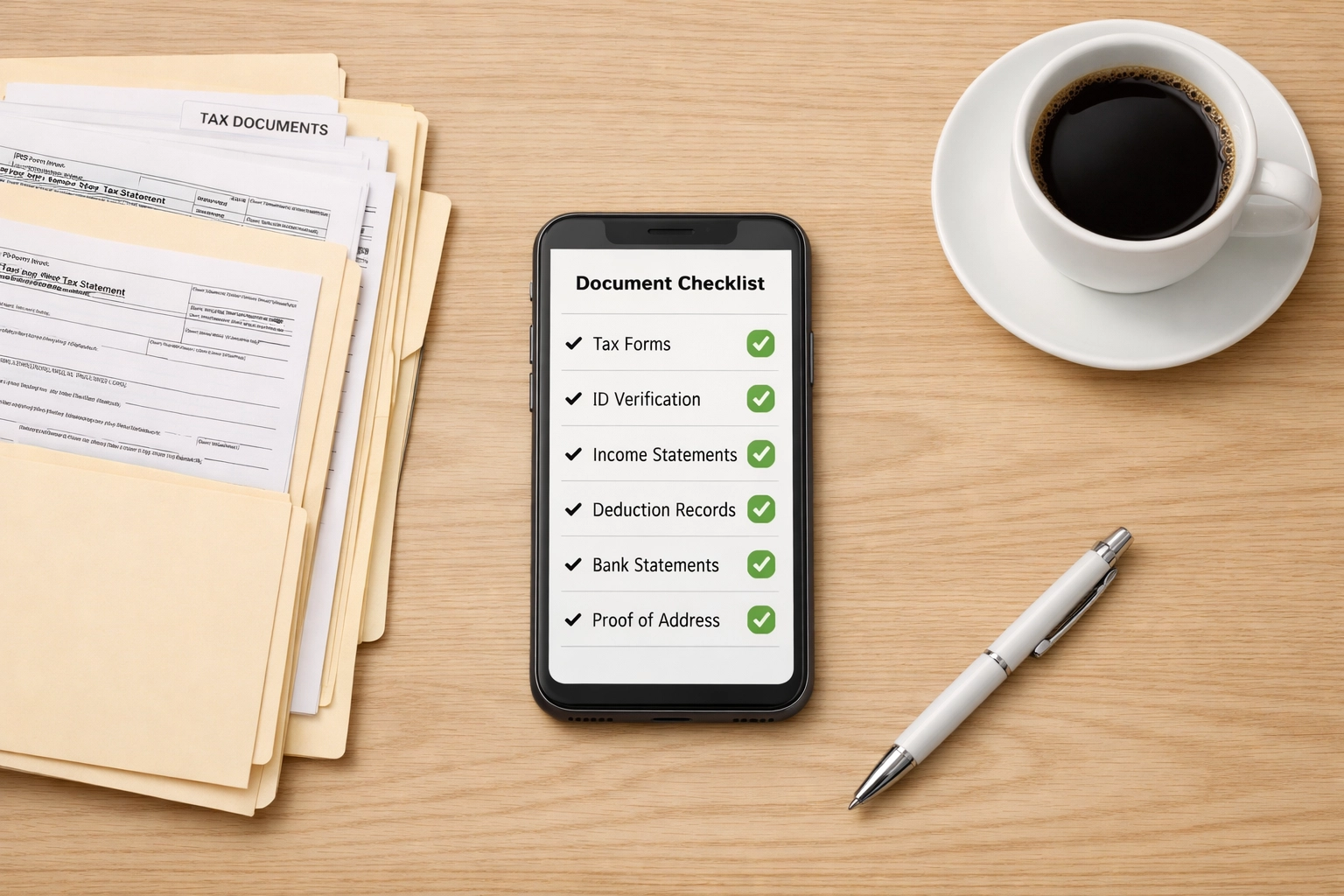
Manual document chasing accounts for 20-30% of pre-filing administrative time. Automated document collection systems send reminders, track receipt status, and organize files by client and tax year.
Required features:
- Secure client portal with document upload capability
- Automated reminder sequences (initial request, 3-day, 7-day, final)
- Document categorization rules
- Integration with tax preparation software
Configure reminder sequences based on client segments. Business clients typically require different timelines than individual filers.
3. E-File Status Monitoring
Checking e-file acknowledgments manually introduces errors and delays. Automated monitoring systems pull acknowledgment data from IRS systems and notify relevant staff of rejections or acceptance.
Setup requirements:
- Direct connection to IRS e-Services
- Rejection code parsing
- Staff assignment rules based on error types
- Client notification templates for acceptance/rejection
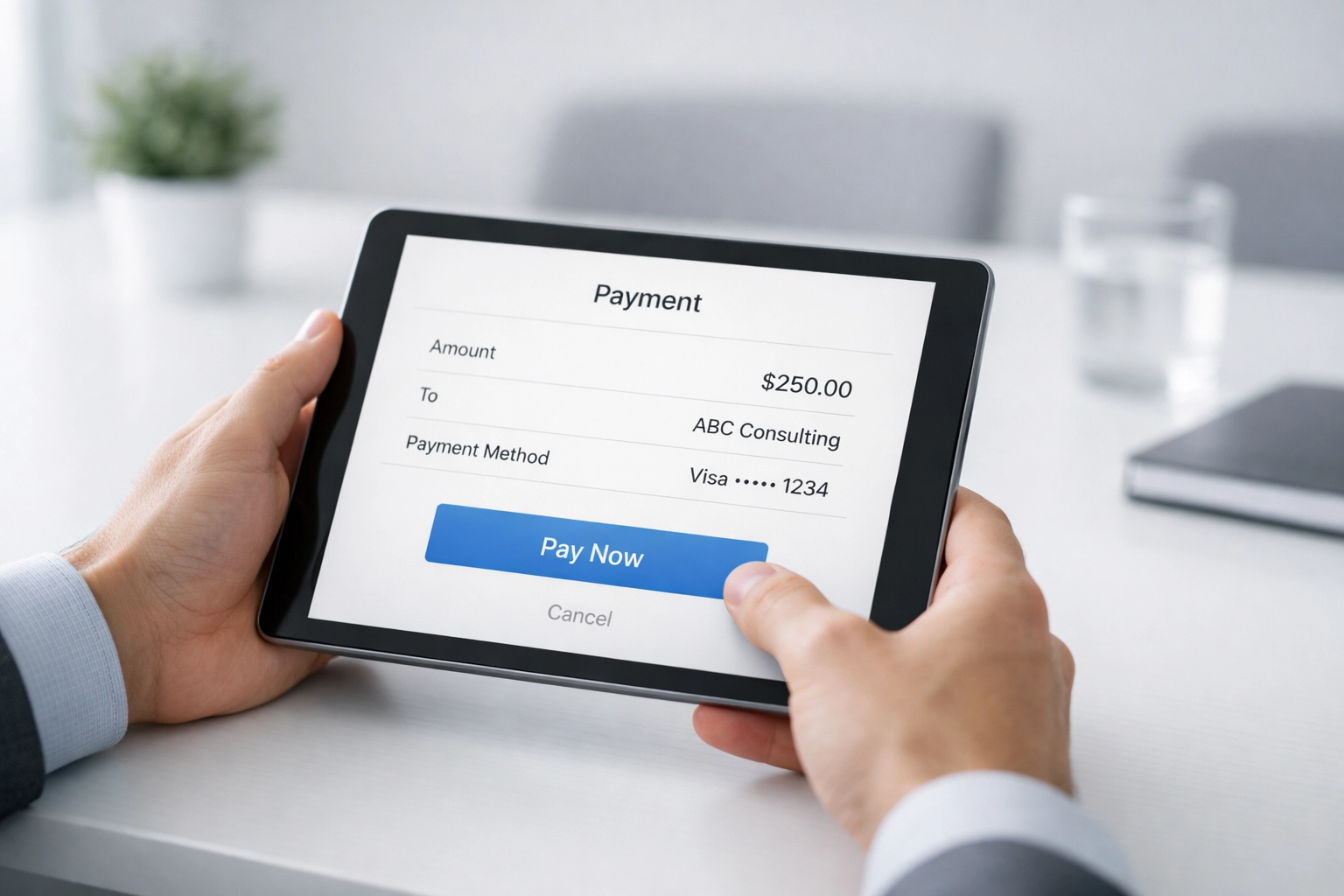
4. Payment Processing Automation
Manual fee collection creates cash flow delays. Integrated payment systems process fees automatically upon return completion or acceptance.
Implementation components:
- Payment gateway integration
- Automatic invoice generation linked to return completion
- Payment plan scheduling for larger fees
- Failed payment retry sequences
- Reconciliation with accounting software
EROs using automated payment collection report 15-20% faster payment cycles compared to manual invoicing.
5. Client Communication Sequences
Repetitive client communications consume significant staff time. Template-based automation systems handle status updates, missing information requests, and post-filing instructions.
Essential templates:
- Return in progress notifications
- Document deficiency alerts
- E-file acceptance confirmations
- Refund status updates
- Extension filing notices
- Year-end planning reminders
Configure conditional triggers based on return status, client type, and filing deadlines. Personalize automated messages with merge fields for client names, return numbers, and specific amounts.
6. Appointment Scheduling
Phone tag and manual calendar coordination wastes hours weekly. Self-service scheduling systems allow clients to book appointments within defined availability parameters.
Required settings:
- Staff availability windows by service type
- Buffer time between appointments
- Automatic confirmation and reminder sequences
- No-show tracking and restrictions
- Integration with video conferencing for virtual meetings
Set different appointment durations based on service complexity. Simple returns require 30 minutes; business returns may need 60-90 minutes.
7. Compliance and Renewal Tracking
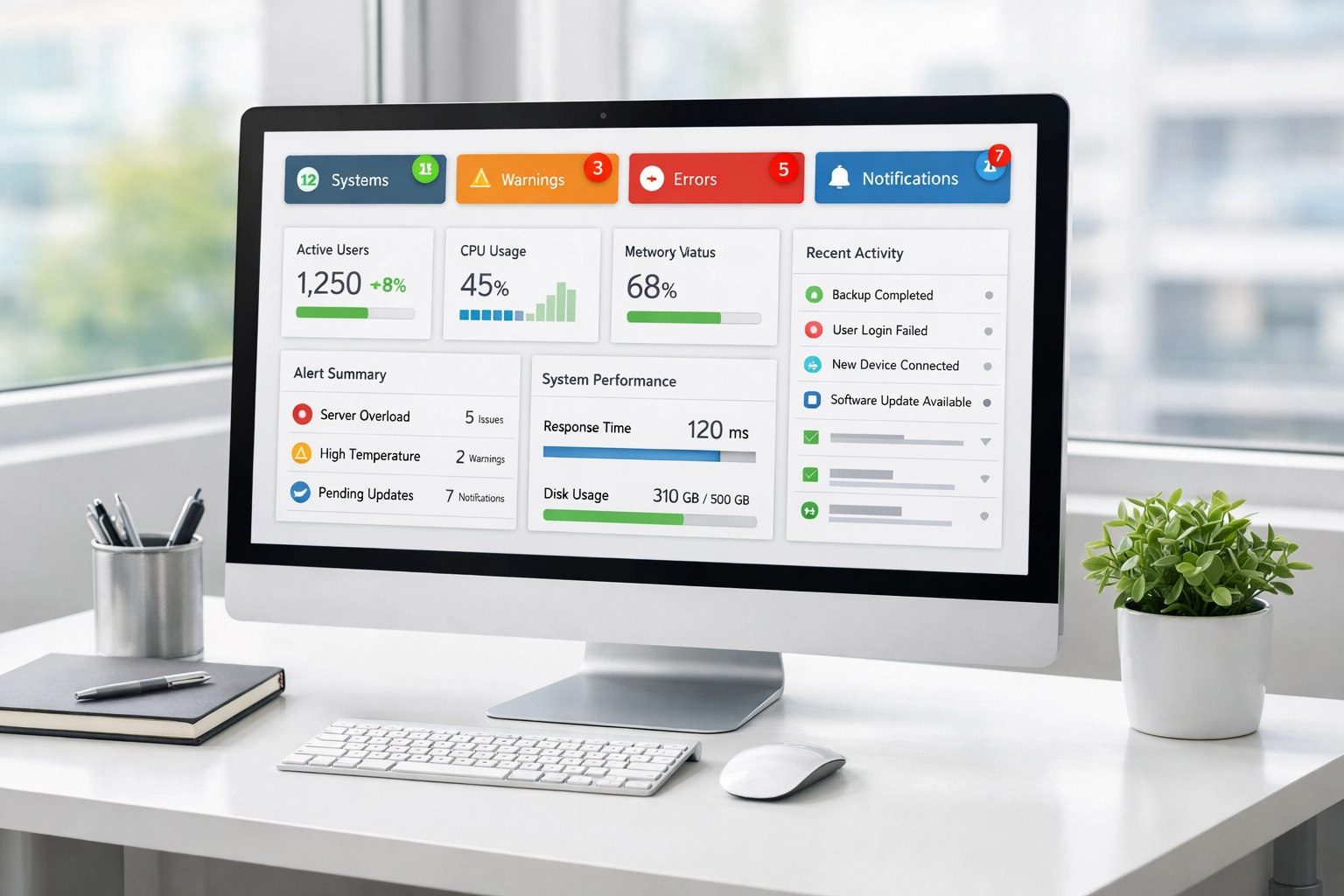
PTIN renewals, EFIN updates, state registrations, and continuing education requirements create administrative burden. Automated tracking systems monitor deadlines and trigger action sequences before expiration.
Track these items:
- PTIN renewal dates for all preparers
- State tax preparer registrations
- EFIN annual renewals
- Continuing education hours by preparer
- E-file password expiration dates
- Bank product agreements
- Professional liability insurance renewals
Configure 90-day, 60-day, and 30-day advance notifications. Assign responsibility for each compliance category to specific staff members.
Implementation Priority Matrix
Not all automation delivers equal return. Prioritize based on time saved and implementation complexity.
High Priority (Implement First):
- Client intake forms
- E-file status monitoring
- Payment processing
Medium Priority (Implement Second Quarter):
- Document collection workflows
- Appointment scheduling
Lower Priority (Implement Off-Season):
- Client communication sequences
- Compliance tracking
Texas-Specific Considerations
Texas EROs face unique requirements that benefit from automation. The state's preparer registration system requires annual renewal tracking. Additionally, Texas has no state income tax, but preparers often handle franchise tax filings for business clients, which require separate deadline monitoring.
Configure automated systems to track:
- Texas preparer registration renewals (varies by county)
- Franchise tax report deadlines (May 15)
- Sales tax filing schedules for business clients
- Property tax protest deadlines
Integration Requirements
Automation tools must communicate with existing systems. Verify compatibility with:
- Tax preparation software (Drake, ProSeries, Lacerte, etc.)
- IRS e-Services portal
- Payment processors
- Bank products for refund transfers
- Document management systems
Most professional-grade automation platforms offer API connections or native integrations with major tax software providers.
Cost Analysis
Automation investment ranges from $50-500 monthly depending on practice size and feature requirements. Calculate ROI using this formula:
(Hours Saved Weekly × Hourly Rate × 52 Weeks) – (Annual Software Cost) = Net Annual Benefit
A solo practitioner saving 8 hours weekly at $75/hour realizes $31,200 annual benefit. Software costs of $2,400 annually deliver 1,200% ROI.
Common Implementation Errors
EROs frequently make these mistakes when implementing automation:
Over-automation: Automating processes that require human judgment creates client dissatisfaction. Maintain human touchpoints for complex issues, bad news delivery, and relationship building.
Insufficient testing: Deploy automation during off-season, not mid-filing season. Test all workflows with dummy data before processing actual client information.
Poor change management: Staff resist automation when implementation lacks training and communication. Explain time savings and workload reduction benefits. Provide hands-on training sessions.
Neglecting monitoring: Automation requires ongoing monitoring. Schedule weekly reviews of automated processes during filing season. Adjust triggers and templates based on performance data.
Measuring Success
Track these metrics to evaluate automation effectiveness:
- Average time from client intake to return completion
- Percentage of returns e-filed without manual intervention
- Client payment collection time
- Staff hours spent on administrative tasks
- Client satisfaction scores
- Return preparation capacity per preparer
Compare metrics quarterly. Successful automation implementations show 30-40% reduction in administrative time within 90 days.
Next Steps
Begin with a process audit. Document current workflows for each of the seven areas. Identify which tasks consume the most time. Select one high-priority area for initial implementation.
Most EROs achieve fastest results by starting with client intake automation. This addresses the beginning of the workflow and creates a foundation for subsequent automation steps.
Review service bureau solutions that include built-in automation features for practices without their own EFIN.
SEO Title: ERO Automation Hacks: Stop Wasting Time on Manual Tasks
Slug: ero-automation-hacks-manual-tasks
Excerpt: Seven automation strategies that eliminate manual ERO administrative work. Reduce overhead by 30-40% with targeted workflow automation for tax practices.
Tags: ERO Operations, Tax Practice Management, Workflow Automation, Practice Efficiency, Tax Business Technology