

Tax season brings the same challenge every year: drowning in paperwork while clients wait for answers. The good news? AI automation can handle your client intake process, giving you back 11+ hours per week to focus on what matters most.
Here's how busy tax professionals are using AI to automate client intake in 2026, plus the practical steps to get started without breaking the bank.
The Real Impact: What AI Automation Actually Saves You
Before diving into the how-to, let's look at what firms are actually achieving with AI client intake:
- 60-90 minutes saved per tax return through automated document collection and data entry
- 11+ hours per week returned to professional tax work instead of administrative tasks
- 80% reduction in manual appointment scheduling and coordination
- 99% accuracy rates on structured tax document processing
These aren't theoretical numbers. Tax firms using AI intake systems report managing more returns with existing staff while reducing overtime costs during peak season.
Document Collection on Autopilot
The biggest time sink in client intake is chasing down documents. AI systems solve this by automating the entire collection process.
How It Works
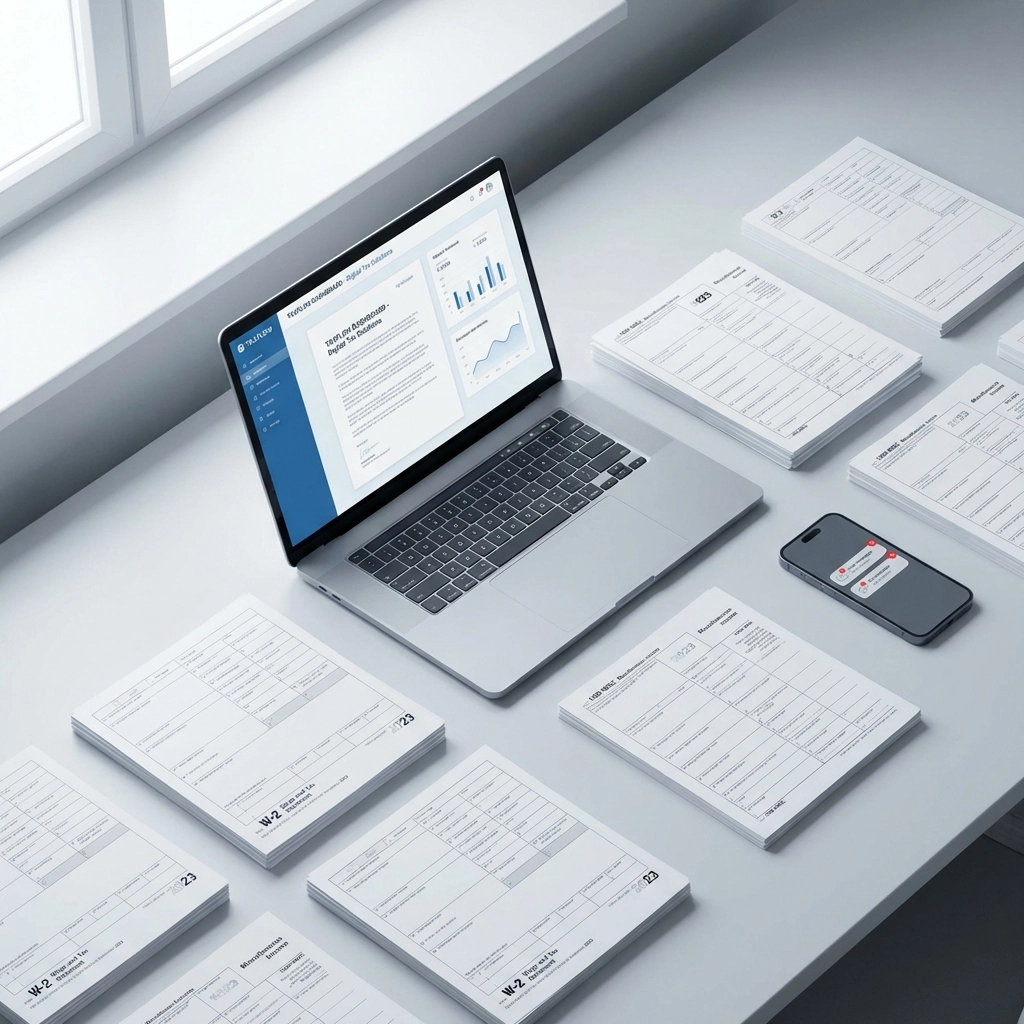
AI document collection sends personalized requests to each client based on their specific situation. The system knows to ask for 1099s from freelancers, rental property documents from landlords, and business expense records from self-employed clients.
When documents arrive, AI automatically categorizes them by type and stores everything securely. No more digging through email attachments or wondering if you received everything.
Quick Setup Method
Most AI document collection tools integrate with your existing email system. You define your standard document checklist once, and the AI handles sending requests, following up on missing items, and organizing what comes back.
Popular low-cost options include:
- HubDoc – Integrates with QuickBooks, handles basic document categorization
- Receipt Bank – Focuses on expense documents with mobile app support
- Dext – Comprehensive document processing with multi-format support
Automated Data Extraction and Entry
Once documents arrive, AI extracts the information and populates your tax software automatically. This eliminates hours of manual data entry while reducing errors.
The Process
AI reads tax documents like W-2s, 1099s, and previous returns with over 99% accuracy on structured forms. The extracted data flows directly into your tax preparation software, pre-filling client information and return data.
The system also cross-references information between documents, flagging inconsistencies before you start working on the return.
Integration Options
Most major tax software platforms now support AI data extraction:
- Drake Tax – Built-in OCR and data extraction features
- ProSeries – Integrates with third-party AI extraction services
- UltraTax – Automated data import from various document sources
Smart Client Communication
AI handles routine client communication, keeping everyone updated without constant staff involvement.

Automated Updates
Clients receive personalized status updates at each stage of return preparation. They know when documents are received, when work begins, and when returns are ready for review. This transparency reduces phone calls and emails asking for updates.
Appointment Scheduling
AI scheduling systems connect to your calendar and handle appointment booking automatically. Clients receive available time slots based on your preferences, book directly, and get automatic confirmations and reminders.
Follow-Up Management
The system sends targeted follow-ups for missing documents or information. Instead of generic reminders, clients receive specific requests based on what's still needed for their return.
Document Verification Before Review
AI pre-screens documents and flags issues before returns reach your desk. This catches problems early when they're easier to fix.
What Gets Flagged
- Missing required documents for the client's situation
- Inconsistent information between forms
- Incomplete sections on tax forms
- Unusual entries that need professional review
This upfront verification means you spend time on actual tax preparation instead of basic error checking.
Low-Cost Implementation Strategies
You don't need enterprise-level software to benefit from AI automation. Here are practical approaches for different practice sizes.

Solo Practitioners
Start with basic document collection automation. Tools like Kami or SmallPDF offer AI-powered document processing for under $20/month. Focus on automating your most time-consuming intake tasks first.
Small Firms (2-5 Staff)
Combine document collection with basic data extraction. TaxDome offers integrated client portals with AI features starting around $50/month per user. Canopy provides similar functionality with strong automation features.
Growing Practices (5+ Staff)
Consider comprehensive automation platforms like Sureprep or Corvee that handle the entire intake workflow. While more expensive ($200+ per month), these systems provide the biggest time savings for higher-volume practices.
Setup Process: Getting Started in One Week
Here's a practical timeline for implementing AI client intake automation:
Days 1-2: Document Collection Setup
- Choose your document collection tool
- Create standardized request templates for different client types
- Set up automated follow-up sequences for missing documents
Days 3-4: Integration Configuration
- Connect AI tools to your existing tax software
- Test data extraction accuracy with sample documents
- Configure client communication templates
Days 5-7: Client Communication Launch
- Set up automated scheduling system
- Create status update workflows
- Train staff on new processes and client expectations
Common Implementation Challenges
Data Security Concerns
Choose AI tools that offer bank-level encryption and comply with IRS data protection requirements. Most reputable providers include SOC 2 compliance and encrypted data transmission.
Client Adoption
Some clients resist new technology. Offer traditional intake options alongside AI automation. Most clients appreciate faster service once they experience the benefits.
Staff Training
Focus training on managing exceptions rather than routine operations. AI handles standard processes, but staff need to know when and how to intervene.
Measuring Success
Track these metrics to quantify your automation benefits:
- Time per return: Measure intake time before and after implementation
- Client satisfaction: Survey response times and communication preferences
- Error rates: Compare accuracy between manual and automated data entry
- Staff capacity: Track how many additional returns you can handle
Advanced Automation Features

Once basic automation is working, consider these advanced capabilities:
Predictive Document Requests
AI analyzes client history and tax situations to predict needed documents, requesting them proactively rather than waiting for standard checklists.
Intelligent Form Pre-Population
Advanced systems pull data from multiple sources (previous returns, client databases, third-party integrations) to pre-populate new returns with maximum accuracy.
Automated Quality Checks
AI performs comprehensive return reviews, flagging potential issues, missed deductions, and optimization opportunities before final professional review.
What This Means for Your Practice
AI client intake automation isn't about replacing tax professionals: it's about eliminating administrative busywork so you can focus on providing valuable tax advice and building client relationships.
The firms succeeding with automation in 2026 are those that implement systematically, starting with their biggest time drains and expanding gradually. They're not trying to automate everything at once, but focusing on practical improvements that deliver measurable time savings.
With proper implementation, AI automation transforms client intake from a necessary evil into a competitive advantage, giving you more time for the work that actually grows your practice.