
SEO Title: ERO Onboarding 101: Service Bureau Operations Guide
Slug: ero-onboarding-service-bureau-operations
Excerpt: Master ERO onboarding and service bureau operations. Complete guide covering software setup, credentials, compliance, training, and ongoing support for tax professionals.
Tags: ERO Operations, Service Bureau, Tax Software, E-Filing, Practice Management, Tax Business Operations
Service bureau operations require systematic ERO onboarding processes. This guide covers the technical requirements, software configuration, and operational protocols necessary for bringing Electronic Return Originators into your platform.
Understanding ERO Roles and Requirements
An Electronic Return Originator (ERO) serves as the IRS-authorized e-file provider who originates electronic tax return submissions. The ERO enters taxpayer information, verifies return accuracy, obtains proper signatures, transmits returns electronically, and monitors IRS acceptance status.
To operate as an ERO, individuals must obtain authorization from the IRS e-File Program. This requires:
- Electronic Filing Identification Number (EFIN) from the IRS
- Preparer Tax Identification Number (PTIN) if preparing returns
- Credit history review and tax compliance verification
- Criminal background check clearance
The IRS evaluates each application based on compliance history, financial responsibility, and professional conduct. Processing time typically ranges from 45 to 60 days during non-peak periods.
Service Bureau Infrastructure Setup
Before onboarding EROs, establish the technical infrastructure to support multiple users. This includes server capacity, software licensing agreements, and security protocols.
Software Licensing Structure
Determine your licensing model based on anticipated user volume. Most tax software vendors offer tiered service bureau packages with per-ERO pricing or unlimited preparer options. Evaluate based on:
- Number of anticipated ERO users
- Return volume projections per ERO
- State filing requirements
- Form complexity needs
- Integration requirements with existing systems
Network Security Configuration
Configure network security to protect taxpayer data while allowing appropriate ERO access levels. Implement:
- Multi-factor authentication for all user accounts
- Role-based access controls limiting data visibility
- Encrypted data transmission protocols
- Secure file storage with backup redundancy
- Audit logging for all system access and changes
California service bureaus must comply with California Consumer Privacy Act (CCPA) requirements in addition to federal data protection standards. Document all security measures and maintain current cybersecurity insurance coverage.
ERO Onboarding Workflow
Standardize the onboarding process to ensure consistency and compliance across all new EROs joining your platform.
Step 1: Application and Verification
Collect and verify ERO credentials:
- EFIN verification through IRS records
- PTIN confirmation and expiration date
- Professional credentials and designations
- Business entity documentation
- E&O insurance certificates
- Signed service bureau agreement
Step 2: Account Provisioning
Create ERO accounts with appropriate access levels:
- Generate unique login credentials
- Configure software permissions based on role
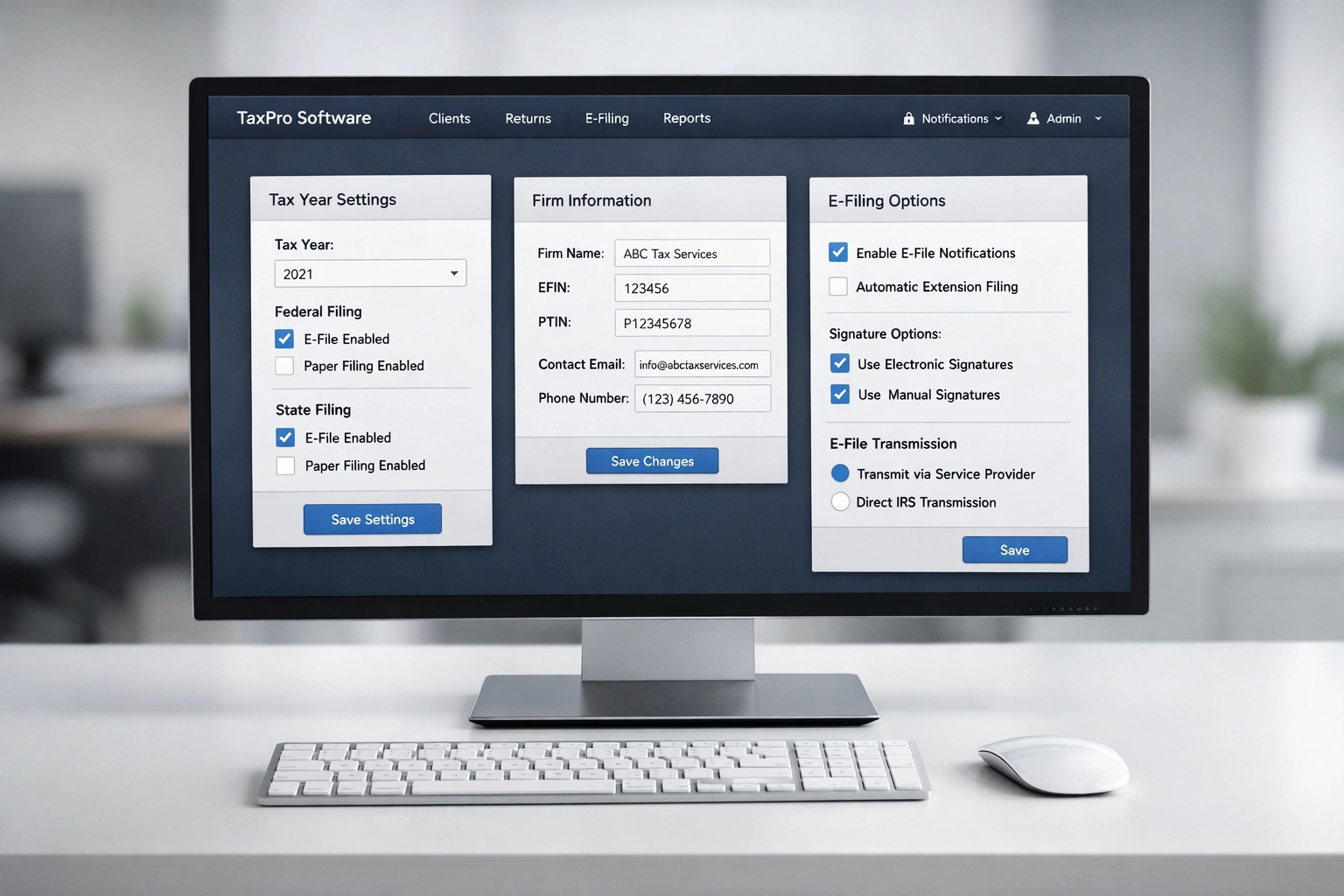
- Set up separate EFIN credentials in tax software
- Establish client data segregation protocols
- Create individual ERO filing dashboards
Step 3: Software Configuration
Configure each ERO's software environment:
- Install required state modules
- Set up bank product options if applicable
- Configure signature methods (PIN or practitioner PIN)
- Establish return submission settings
- Connect to IRS e-file system for testing
Test the configuration by processing sample returns through the IRS Assurance Testing System (ATS) before live filing authorization.
Training and Knowledge Transfer
Effective ERO onboarding includes comprehensive training on both software operation and service bureau procedures.
Initial Software Training
Provide structured training covering:
- Software navigation and workflow
- Data entry protocols and verification steps
- E-file submission procedures
- Error resolution processes
- Client management tools
- Report generation and analysis
- State-specific filing requirements
Schedule one-on-one sessions lasting 2-4 hours depending on ERO experience level. Record training sessions for future reference.
Service Bureau Procedures
Train EROs on your specific operational requirements:
- Client enrollment processes
- Document retention standards
- Communication protocols with support team
- Billing and payment processing
- Quality control checkpoints
- Issue escalation procedures
Provide written procedure manuals accessible through your service bureau portal. Update documentation annually or when procedures change.
California-Specific Training
EROs operating in California require additional training on state-specific requirements:
- California PTIN registration with the California Tax Education Council (CTEC)
- California Revenue and Taxation Code compliance
- FTB e-file procedures and unique state forms
- California city and county tax return preparation
- Mandatory continuing education tracking
California EROs must complete 20 hours of continuing education every renewal period, including 2 hours of federal tax updates, 3 hours of federal tax law, and 15 hours covering federal and/or California tax law.

Ongoing Support Systems
Establish support infrastructure to assist EROs throughout the filing season and year-round.
Technical Support Availability
Maintain support channels with defined response times:
- Phone support during extended business hours
- Email ticketing system with 24-hour response commitment
- Live chat for urgent technical issues
- Screen-sharing capabilities for troubleshooting
- After-hours emergency contact for system outages
Document all support interactions in a centralized system for tracking recurring issues and solution effectiveness.
Resource Library
Create a self-service knowledge base containing:
- Software tutorial videos
- Step-by-step procedure guides
- Troubleshooting flowcharts
- IRS publication library
- State tax law summaries
- Form instructions and worksheets
Update the resource library weekly during tax season with new IRS guidance and software updates.
Performance Monitoring
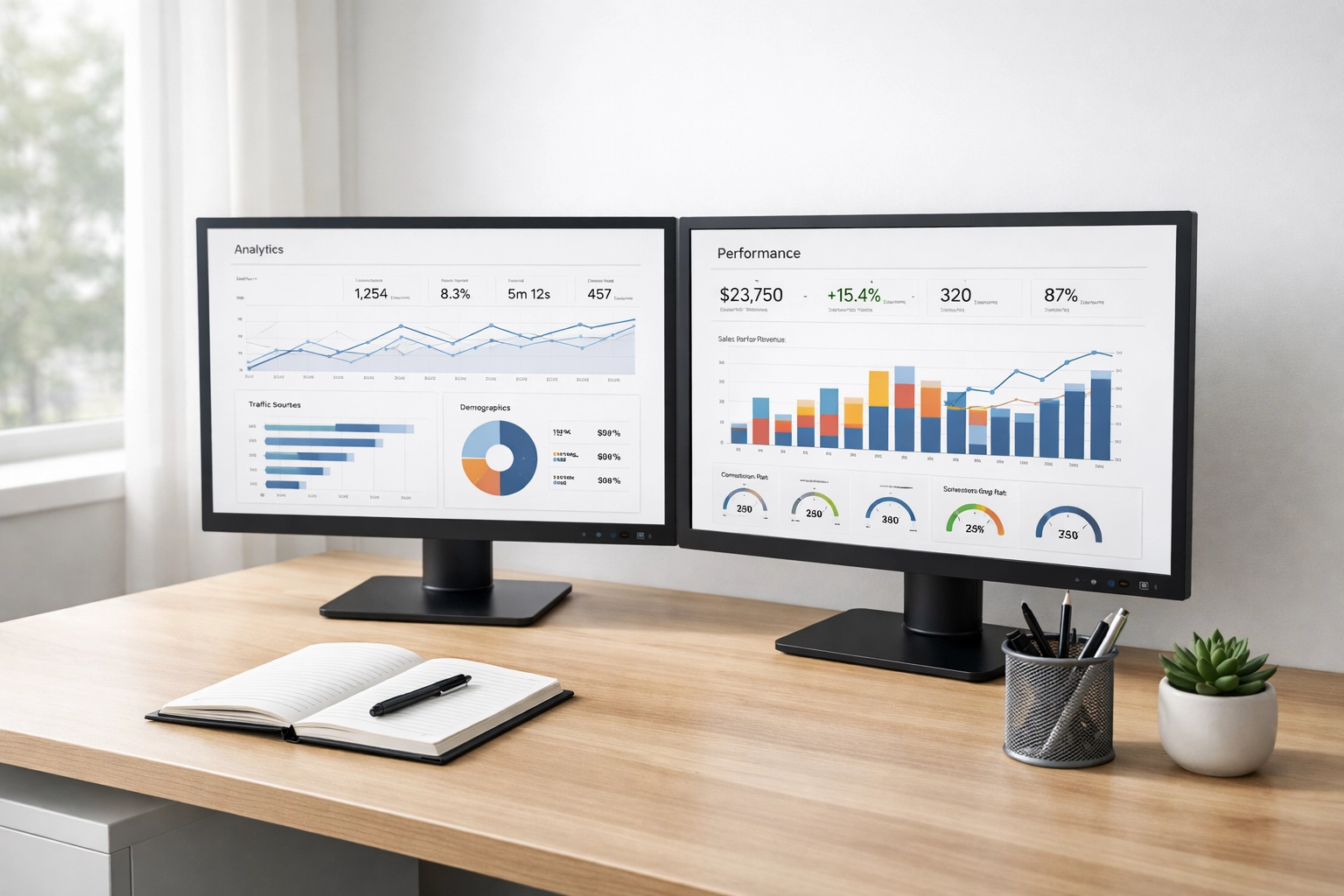
Track ERO performance metrics to identify support needs:
- Return rejection rates and common errors
- Average processing time per return
- Client satisfaction scores
- E-file acceptance ratios
- Due diligence compliance rates
Provide monthly performance reports to each ERO with benchmarking against anonymized peer averages.
Compliance and Documentation
Maintain comprehensive records demonstrating service bureau compliance with IRS and state requirements.
Required Documentation
Keep records of:
- ERO application and credential verification
- Service bureau agreements and amendments
- Training completion certificates
- Security policy acknowledgments
- Data breach response plans
- Annual compliance certifications
California law requires service bureaus to maintain these records for a minimum of seven years from the last date of service.
IRS Reporting Obligations
Service bureaus must report:
- New ERO additions to the IRS within 10 business days
- ERO terminations within 30 days
- Data security incidents within 72 hours
- Changes to principal officers or ownership
Designate a compliance officer responsible for timely reporting and regulatory correspondence.
Best Practices for Scalable Operations
Implement systems that support growth without compromising service quality.
Standardized Onboarding Checklists
Use digital checklists tracking each onboarding step from application through first successful transmission. Assign responsibility for each checkpoint and set completion deadlines.
Automated Communications
Deploy automated email sequences providing:
- Welcome messages with login credentials
- Training schedule confirmations
- Pre-season readiness reminders
- Software update notifications
- Compliance deadline alerts
Regular ERO Check-ins
Schedule quarterly meetings with each ERO to:
- Review performance metrics
- Address operational challenges
- Discuss software enhancement requests
- Plan for next filing season
- Update contact information and credentials
Quality Control Procedures
Implement random return reviews sampling 5-10% of submissions per ERO quarterly. Document findings and provide feedback on accuracy, completeness, and compliance with due diligence requirements.
Software Updates and Maintenance
Coordinate software updates to minimize ERO disruption while maintaining system security.
Schedule updates during low-activity periods, typically weekends or evenings. Provide advance notice of:
- Update installation timeline
- Expected downtime duration
- New features or functionality changes
- Revised procedures requiring attention
- Training webinars for significant changes
Test updates in a sandbox environment before production deployment. Maintain a rollback plan for critical failures.

Scaling Your Service Bureau
Plan infrastructure expansion based on projected ERO growth and seasonal volume fluctuations.
Capacity Planning
Monitor system performance metrics including:
- Concurrent user limits
- Data processing speeds
- Storage utilization rates
- Network bandwidth consumption
- Support ticket volume
Upgrade infrastructure before reaching 80% capacity in any category.
Pricing Structure
Establish transparent pricing reflecting:
- Software licensing costs per ERO
- Support service level commitments
- Training and onboarding expenses
- Technology infrastructure maintenance
- Compliance and reporting overhead
Review pricing annually adjusting for software vendor increases and operational cost changes.
Effective ERO onboarding establishes the foundation for successful service bureau operations. Systematic processes, comprehensive training, and ongoing support create efficient, compliant operations that scale with business growth.